How to sort a table view by last name in Folk
Here is how to sort a table view by last name in folk
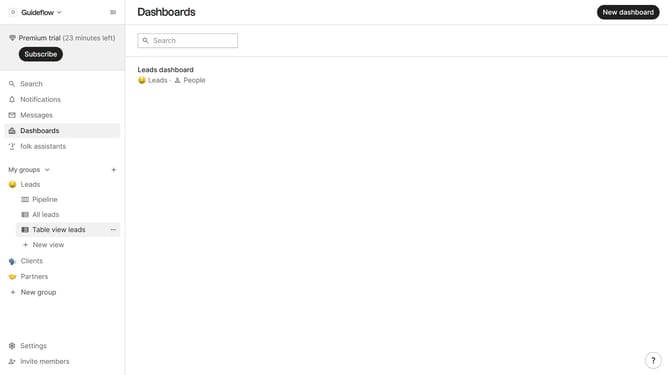
- First, click on the table view where you want to sort by "Last name"
- Then click on the filter icon in the header
- Next, click on the "Sort by" dropdown button
- Then scroll down in the dropdown menu
- Finally select "Last name" from the dropdown menu
Why should you sort a table view by last name in Folk
Folk is a powerful tool designed to streamline and elevate your contact management experience.
One of its practical features is the ability to sort a table view by last name effortlessly.
Organizing contacts alphabetically by last name enhances user efficiency, making it quicker to locate specific entries and fostering a seamless navigation experience.
This organized approach results in improved workflow, promoting better management of your contact database for personal or professional use.
Last update