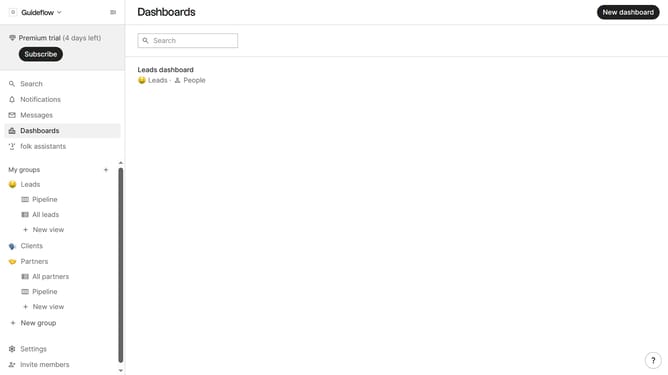
How to hide the emails(company) field in a pipeline view in Folk
Here is how to hide the emails(company) field in a pipeline view in folk
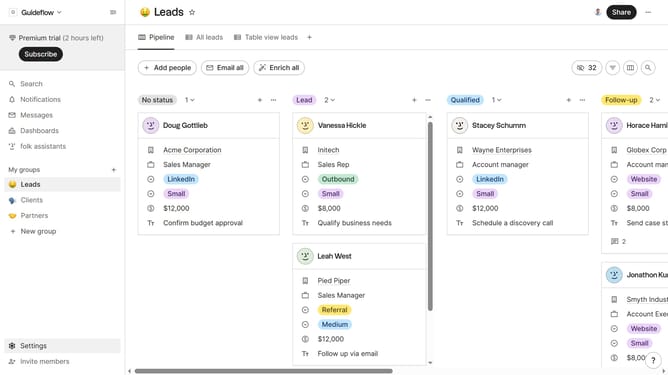
- First, click on a pipeline view where you want to hide the "Emails(company) by field"
- Then click on the view icon in the top right of the page
- Next, scroll down in the dropdown menu
- Finally click on the "Hide" icon next to "Emails(company) by" in the dropdown menu
Why should you hide the emails(company) field in a pipeline view in Folk
Folk is an intuitive platform designed to streamline and enhance team collaboration on projects through its customizable pipeline views.
In Folk, hiding the "emails(company)" field from your pipeline view allows for a cleaner, more focused interface tailored to your specific needs.
By simplifying what you see, this feature helps to reduce visual clutter, making it easier to concentrate on the tasks that matter most. It enhances productivity by keeping your team’s attention on essential project details while maintaining confidentiality when needed.
This feature is perfect for teams looking to optimize their workflow and improve efficiency.
Last update