How to update your last name in Folk
Here is how to update your last name in folk
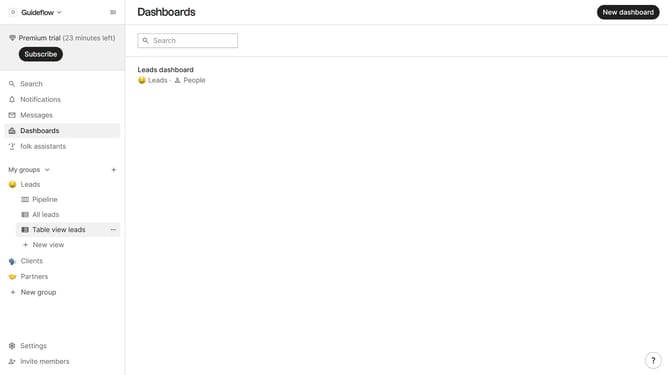
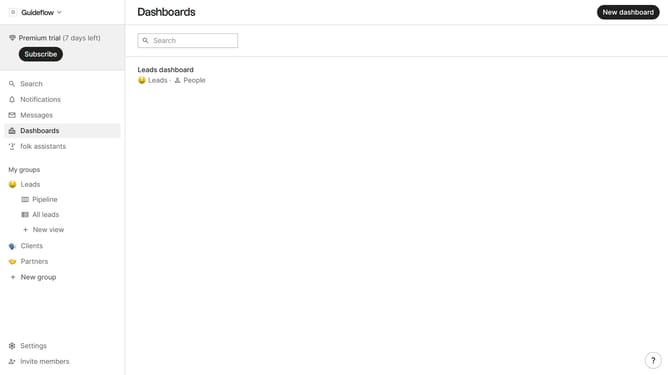
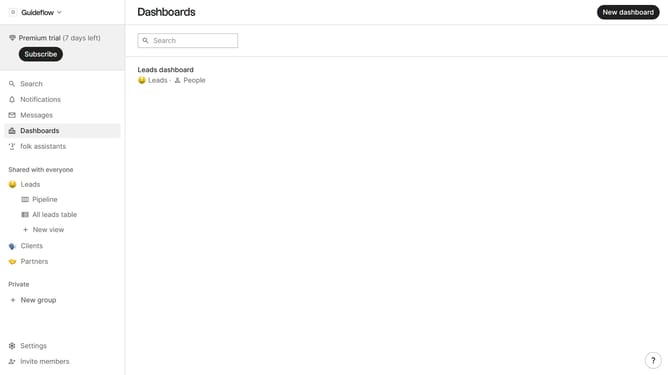
- First click on the "Settings" button in the left sidebar
- Then click on the "Last name" input field and edit it
- Lastly, click anywhere outside the input field to save changes
Why should you update your last name in Folk
Folk is a dynamic platform designed to streamline and enhance collaborative sessions, making team interactions more productive.
Updating your last name in Folk is a straightforward process that ensures your professional identity is accurately reflected, fostering seamless communication across your network.
By keeping your personal information current, you maintain professionalism and ensure that all team members easily recognize and reach out to you, cultivating better collaborative relationships.
This feature not only enhances personal branding but also contributes to the platform's intuitive user experience, reinforcing the integrity of group interactions.
Last update