How to enable mail notifications in Folk
Here is how to enable mail notifications in folk
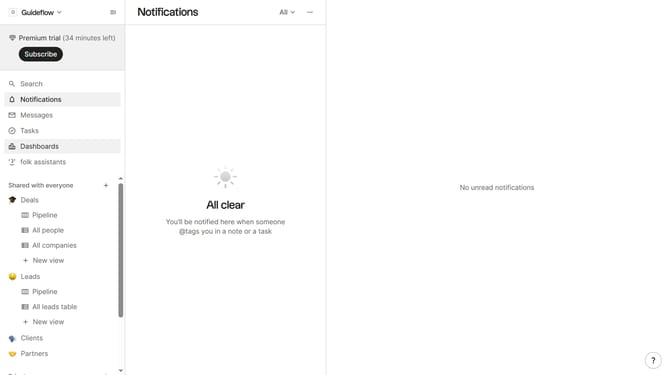
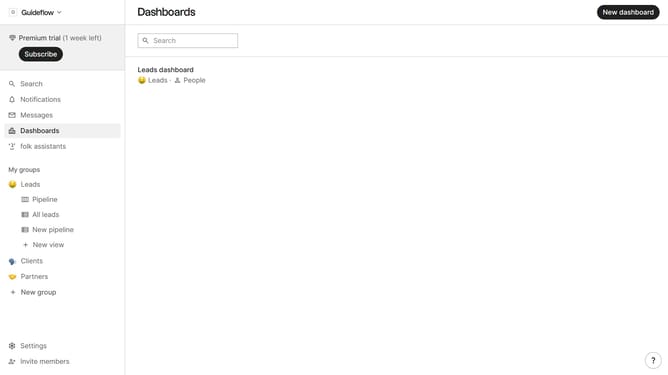
- First click on "Settings" in the left sidebar
- Then click on "Notifications" in the left sidebar
- Finally click on the toggle switch next to mail to enable mail notifications
Why should you enable mail notifications in Folk
Folk streamlines your networking efforts, providing an intuitive platform to manage and grow your connections seamlessly.
Enabling mail notifications in Folk enhances your experience by keeping you up-to-date with real-time updates and reminders, ensuring you never miss important interactions.
By activating this feature, you maintain a proactive approach in managing communications, staying informed about valuable connections, and fostering meaningful relationships effortlessly.
Mail notifications serve as a bridge to staying organized and efficient, ultimately boosting your networking success with Folk.
Last update