How to calculate the percent empty deal value in a pipeline column in Folk
Here is how to calculate the percent empty deal value in a pipeline column in folk
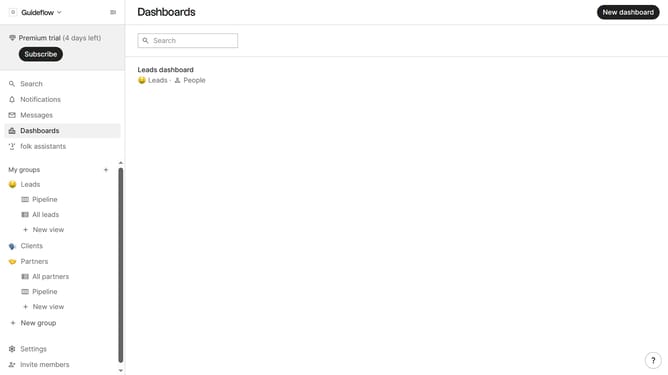
- First, click the "Pipeline" option in the left sidebar under the group where you want to calculate percent empty deal value per column
- Then click on the dropdown menu next to a column label
- Next, hover your mouse cursor over the "Percent empty" option
- Finally, click on the "Deal value" option
Why should you calculate the percent empty deal value in a pipeline column in Folk
Folk is an intuitive CRM platform designed to streamline communication and relationship management.
Calculating the percent empty deal value in a pipeline column in Folk helps identify opportunities that lack proper evaluation. This feature empowers teams to pinpoint areas where further input is needed, ensuring no potential deals slip through the cracks.
Understanding the percentage of empty deal values enhances decision-making and strategic planning, leading to more focused and effective sales efforts.
By leveraging this insightful data, businesses can optimize their sales processes and boost overall productivity.
Last update