How to create a deal value average metric chart in Folk
Here is how to create a deal value average metric chart in folk
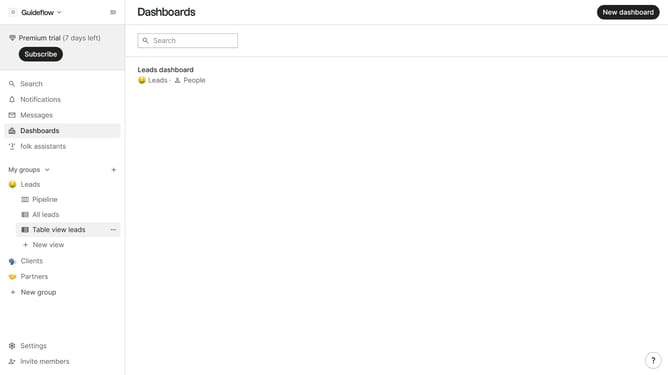
- First click on the dashboard where you want to create a deal value average metric chart
- Then click on the "Add chart" button in the header
- Next click on the "Measure" dropdown option
- Then select the "Sum" option from the list of measures
- Next click on the "Deal value" option from the dropdown
- Finally click on the "Save" button to save the chart
Why should you create a deal value average metric chart in Folk
Folk is a dynamic platform designed to streamline and enhance team collaboration and efficiency.
Creating a deal value average metric chart in Folk is a strategic feature that boosts your ability to analyze sales performance.
This feature allows users to effortlessly visualize and understand the average value of deals over time, providing crucial insights into sales trends and team performance.
With its intuitive interface, Folk ensures that teams can quickly harness data insights to make informed decisions and drive business growth.
Last update