How to show the first name field in a table view in Folk
Here is how to show the first name field in a table view in folk
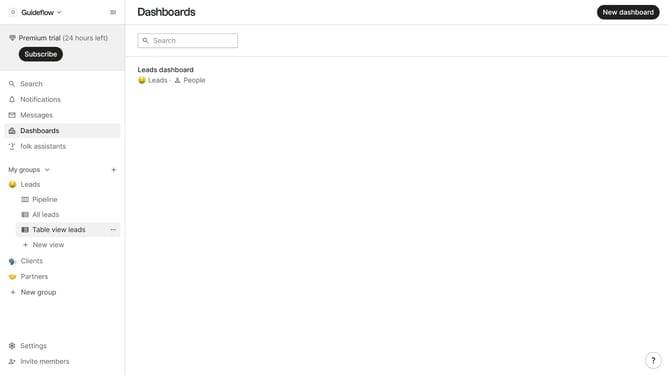
- First, click on a table view where you want to show the first name field
- Then click on the view icon in the top right of the page
- Finally click on the "View" icon next to "First name" in the dropdown menu
Why should you show the first name field in a table view in Folk
Folk is a powerful platform designed to streamline contact management effortlessly.
Among its intuitive features is the ability to display the first name field in a table view, enhancing the usability and personalization of data.
This feature is particularly beneficial for users seeking to maintain clarity and quick access to individual contact information, thereby fostering efficient relationship management.
By simplifying data visualization, Folk empowers you to maintain better connections with ease and precision.
Last update