How to hide the description field in a pipeline view in Folk
Here is how to hide the description field in a pipeline view in folk
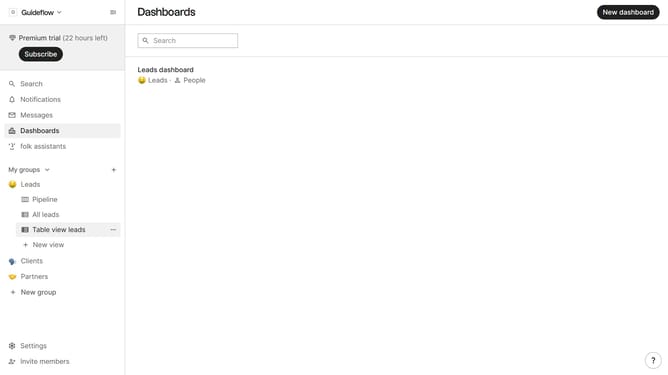
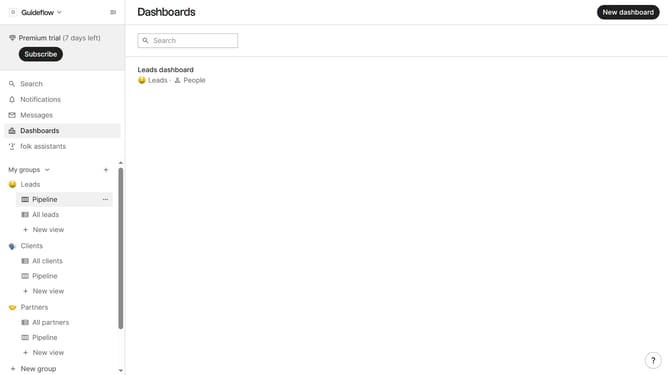
- First, click on a pipeline view where you want to hide the "Description field"
- Then click on the view icon in the top right of the page
- Finally click on the "Hide" icon next to "Description" in the dropdown menu
Why should you hide the description field in a pipeline view in Folk
Folk is designed to streamline team collaboration and contact management seamlessly.
One standout feature of Folk is the ability to hide the description field in a pipeline view. This allows users to focus on essential data by reducing clutter.
By concealing the description field, teams can maintain a cleaner, more streamlined interface, improving workflow efficiency and minimizing distractions. This feature fosters a more organized and productive work environment, letting you concentrate on priorities.
Last update