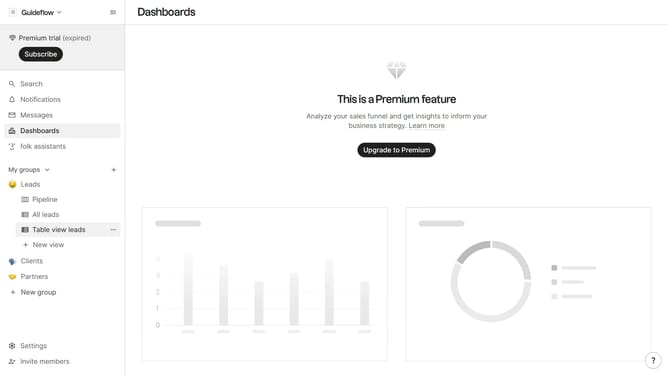
How to show the deal value field in a table view in Folk
Here is how to show the deal value field in a table view in folk
- First, click on a table view where you want to show the deal value field
- Then click on the view icon in the top right of the page
- Next, scroll down in the dropdown menu
- Finally click on the "View" icon next to "Deal value" in the dropdown menu
Why should you show the deal value field in a table view in Folk
Folk is a powerful and intuitive platform designed to enhance collaboration and efficiency in managing professional relationships.
One standout feature is the ability to display the deal value field in a table view. This allows users to quickly access and assess the financial value of deals within an organized table, streamlining workflow with ease.
Utilizing this feature ensures you have clear visibility into your deals, significantly enhancing decision-making and prioritization. This empowers teams to stay focused on activities that drive revenue and meet organizational goals effectively.
Last update