How to create a referral ratio metric chart in Folk
Here is how to create a referral ratio metric chart in folk
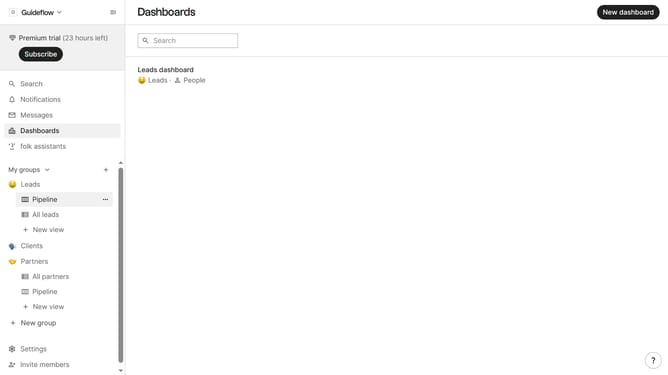
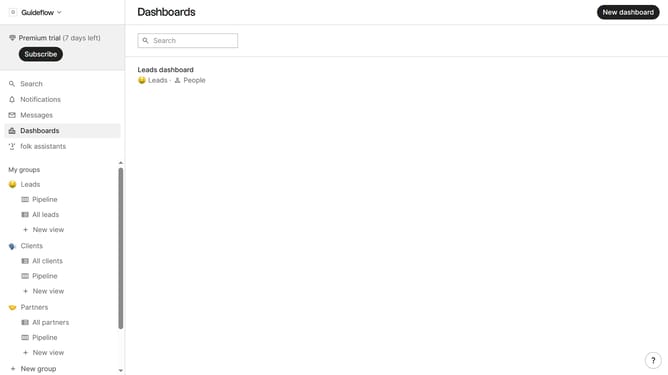
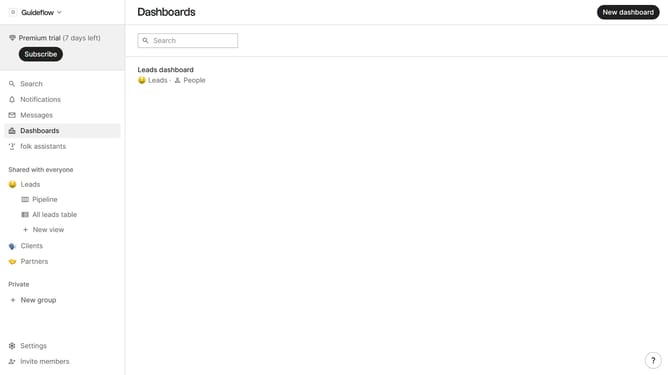
- First click on "Dashboards" item in the sidebar
- Then click on the dashboard where you want to create a referral ratio metric chart
- Click on the "Add chart" button
- Next click on the "Measure" dropdown option
- Then hover your mouse cursor over the "Ratio" option
- After that, hover your mouse cursor over the "Channel" option
- Then select "Referral" from the options
- Finally click on the "Save" button
Why should you create a referral ratio metric chart in Folk
Folk is a versatile tool designed to streamline team collaboration and enhance productivity.
Creating a referral ratio metric chart in Folk allows you to visualize how effectively your efforts in referral campaigns are converting. This feature brings clarity and enables quick evaluation of strategies.
With this chart, teams can easily track referral success rates, identify strengths, and pinpoint areas for improvement. Leveraging these insights ensures data-driven decisions that propel growth.
Last update