How to calculate the range deal value in a pipeline column in Folk
Here is how to calculate the range deal value in a pipeline column in folk
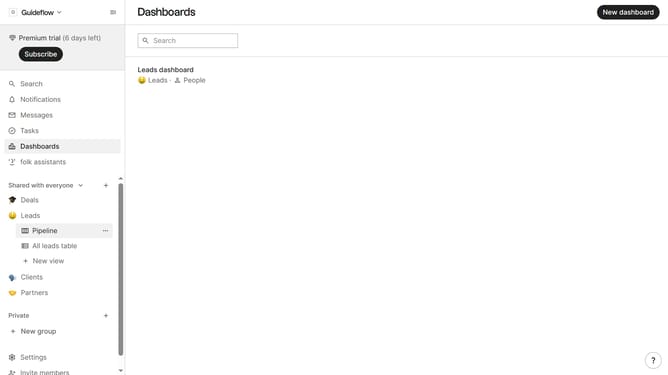
- First, click the "Pipeline" option in the left sidebar under the group where you want to calculate the range deal value per column
- Then click on the dropdown menu next to a column label
- Next, hover your mouse cursor over the "Range" option
- Finally, click on the "Deal value" option to filter by deal value
Why should you calculate the range deal value in a pipeline column in Folk
Folk is a dynamic platform designed to streamline and enhance customer relationship management.
One of its essential features is the ability to calculate the range deal value in a pipeline column with ease.
By using this feature, you gain a clear understanding of potential revenue outcomes, enabling better decision-making and prioritization of deals.
This insight not only improves forecasting accuracy but also empowers teams to target valuable opportunities efficiently.
Last update