How to create a not ready yet lost reason ratio chart in Folk
Here is how to create a not ready yet lost reason ratio chart in folk
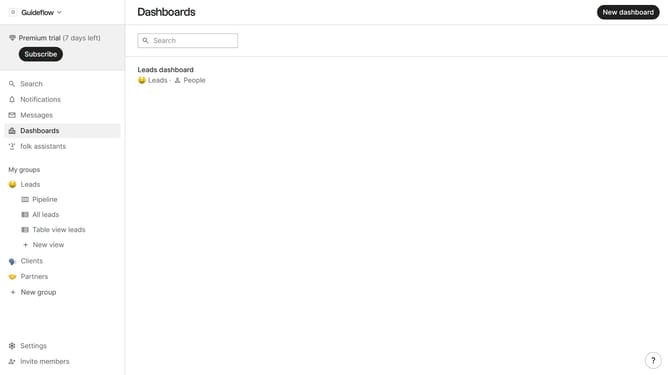
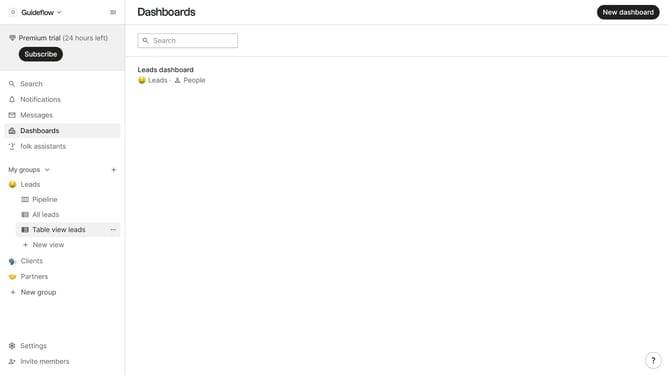
- First click on "Dashboards" in the sidebar
- Then click on the dashboard where you want to a competitor lost reason ratio chart
- Next click on the "Add chart" button in the header
- Then click on the "Measure" dropdown option
- Next hover your mouse cursor over the "Ratio" option
- After that, hover your mouse cursor over the "Lost reason" option
- Then select "Not ready yet" from the dropdown menu
- Finally click on the "Save" button
Why should you create a not ready yet lost reason ratio chart in Folk
Folk is a dynamic CRM platform designed to streamline team collaboration and enhance workflow efficiency.
One of the standout features of Folk is its ability to create a "not ready yet" lost reason ratio chart, which serves to analyze prospects or leads that haven't matured into opportunities. This feature is essential for teams looking to identify patterns and trends in lead readiness, helping them to adapt strategies effectively.
Utilizing this feature enables sales teams to refine their approach, thereby improving conversion rates over time. By understanding the ratio of "not ready yet" reasons, teams can allocate resources where most needed, ultimately nurturing leads more effectively.
Last update