How to hide the job title field in a pipeline view in Folk
Here is how to hide the job title field in a pipeline view in folk
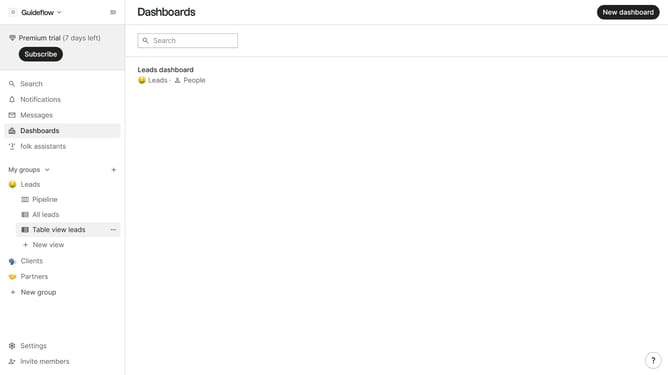
- First, click on a pipeline view where you want to hide the "Job title field"
- Then click on the view icon in the top right of the page
- Finally click on the "Hide" icon next to "Job title" in the dropdown menu
Why should you hide the job title field in a pipeline view in Folk
Folk is a dynamic tool designed to streamline your relationship management processes effortlessly.
The option to hide the job title field in a pipeline view in Folk enhances flexibility, allowing users to focus on the most relevant information for their project.
By minimizing distractions, teams can tailor their workflow to better align with specific goals and ensure streamlined collaboration. This functionality benefits users by creating a clean, uncluttered interface that promotes efficient communication and decision-making.
Last update