How to create a health ratio chart in Folk
Here is how to create a health ratio chart in folk
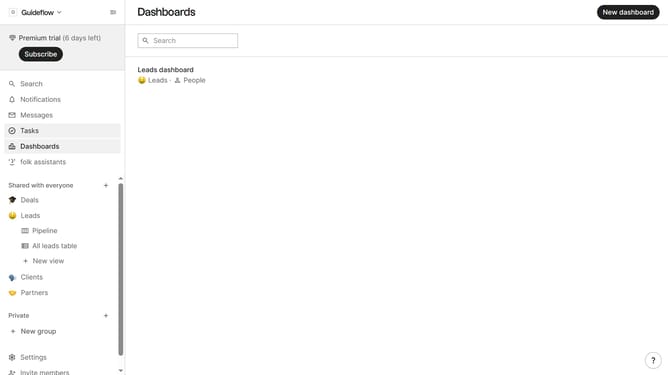
- First click on "Dashboards" in the left sidebar
- Then click on the dashboard where you want to create a health ratio chart
- Next click on the "Add chart" button in the header
- Then click on the "Measure" dropdown option
- Next hover your mouse cursor over the "Ratio" option
- After that, hover your mouse cursor over the "Company vertical" option
- Then select "Health" from the menu that appears
- Finally click on the "Save" button
Why should you create a health ratio chart in Folk
Folk is an intuitive platform that streamlines data management and analysis for effective decision-making.
Creating a health ratio chart in Folk is a powerful feature for visualizing key performance metrics. This feature allows users to identify trends and monitor the overall health of projects or organizations efficiently.
Using this chart helps enhance data transparency, making it easier for teams to collaborate and prioritize tasks. With a clear view of ratios, you can swiftly adjust strategies to maintain optimal performance.
Last update