How to make your task private in Folk
Here is how to make your task private in folk
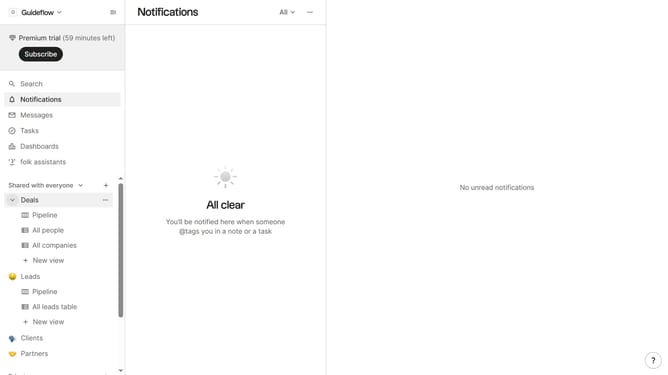
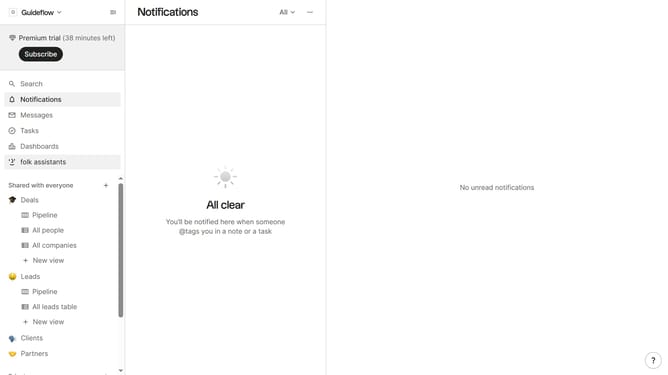
- First click on "Tasks" in the left sidebar
- Then click on the "..." button next to the task that you want to make private
- Next click on "Edit..." in the dropdown menu
- Then click on the "View" button
- Next select "Private" from the dropdown menu
- Finally click on the "Save task" button
Why should you make your task private in Folk
Folk is a collaborative platform designed to streamline your team’s workflow seamlessly.
One standout feature is the ability to make your tasks private, offering you the control to manage sensitive information.
When you make a task private in Folk, you shelter your details from unnecessary views, ensuring confidentiality.
This utility is especially beneficial in minimizing distractions, letting you focus through an uncluttered workspace while maintaining privacy.
Last update