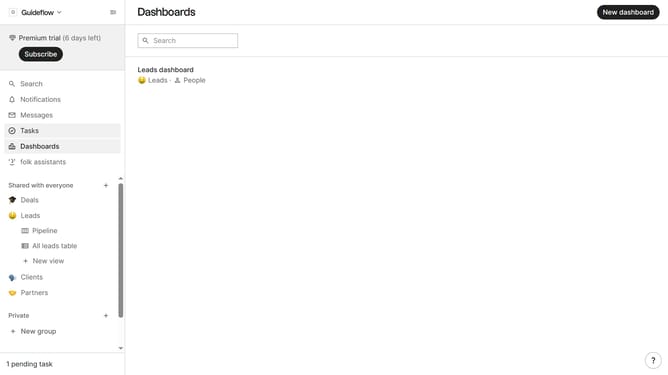
How to sort a table view by added to group by in Folk
Here is how to sort a table view by added to group by in folk
- First, click on the table view where you want to sort by "Added to group by"
- Then click on the sort icon in the header
- Next, click on the "Sort by" dropdown button
- Then, scroll down in the dropdown menu
- Finally, click on the "Added to group by" button which is in the list of sorting options
Why should you sort a table view by added to group by in Folk
Folk is a dynamic platform designed to streamline collaborative work and communication.
Effortlessly sorting a table view by 'added to group by' in Folk ensures that your data remains organized and intuitive. This feature allows you to prioritize information based on the latest additions, simplifying the workflow and enhancing decision-making processes.
By utilizing this function, users can keep track of the freshest data entries, allowing teams to focus on what’s newly relevant. This enhances efficiency, making interactions within teams more productive and insightful.
Ultimately, this sorting capability within Folk supports a well-structured and easily navigable data environment, promoting seamless collaboration across all user interactions.
Last update