How to show the my total interactions field in a table view in Folk
Here is how to show the my total interactions field in a table view in folk
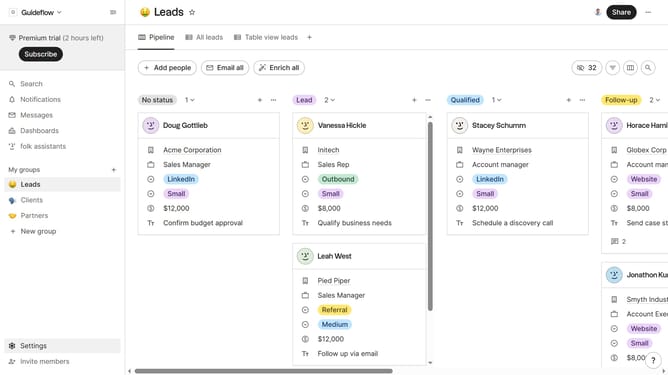
- First, click on a table view where you want to show the my total interactions field
- Then click on the view icon in the top right of the page
- Finally click on the "View" icon next to "My total interactions" in the dropdown menu
Why should you show the my total interactions field in a table view in Folk
Folk is a powerful tool designed to streamline and enhance your team’s communication and collaboration efforts.
Among its features, the ability to display the "my total interactions" field in a table view is particularly beneficial.
This functionality allows users to quickly assess their engagement levels with various contacts, facilitating improved relationship management.
By keeping track of your interactions in a consolidated view, Folk helps users stay organized and efficient, ensuring no connection goes unnoticed.
Last update