How to sort a table view by next steps in Folk
Here is how to sort a table view by next steps in folk
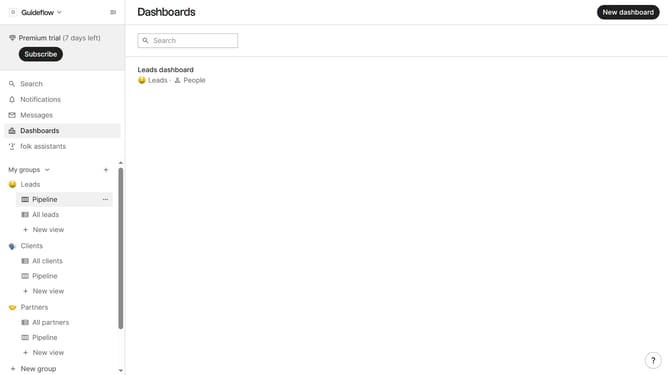
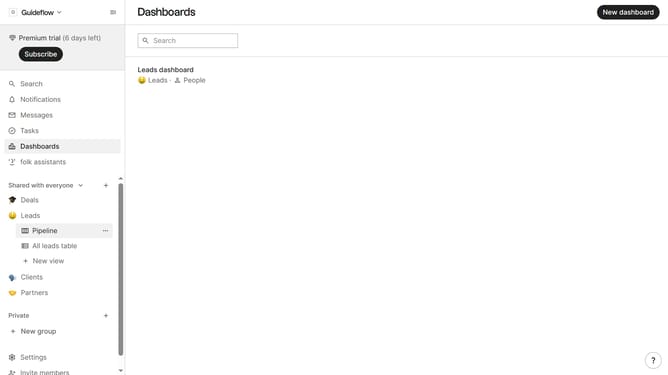
- First, click on the table view where you want to sort by "Next steps"
- Next, click on the "Sort by" dropdown button
- Then, click on the "Sort by" dropdown button
- Next, scroll down in the dropdown menu
- Finally click on "Next steps" in the dropdown menu
Why should you sort a table view by next steps in Folk
Folk is a powerful tool designed to streamline and optimize contact management for teams.
In Folk, sorting a table view by next steps allows users to prioritize tasks efficiently, ensuring that important actions are always top of mind.
By focusing on what needs to be done next, teams can align their efforts and enhance productivity significantly.
This feature not only promotes organization but also fosters a proactive workflow, encouraging timely and effective follow-ups.
Last update