How to show the status field in the pipeline in Folk
Here is how to show the status field in the pipeline in folk
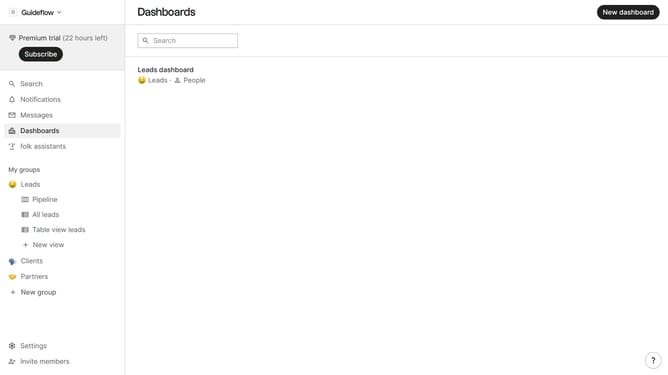
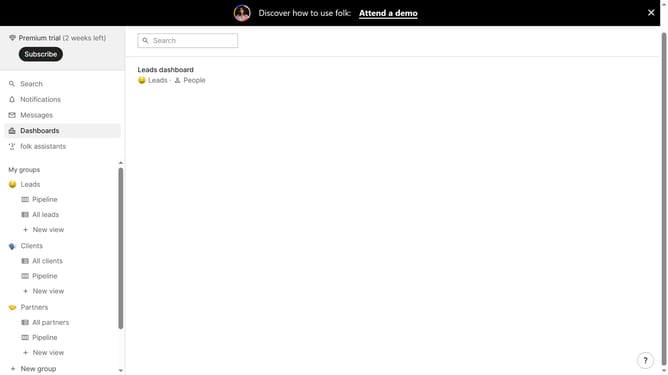
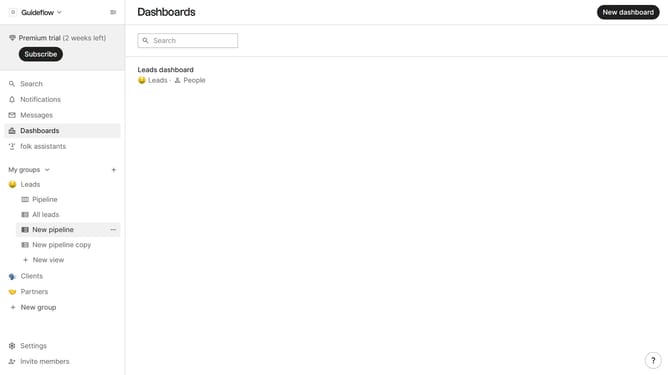
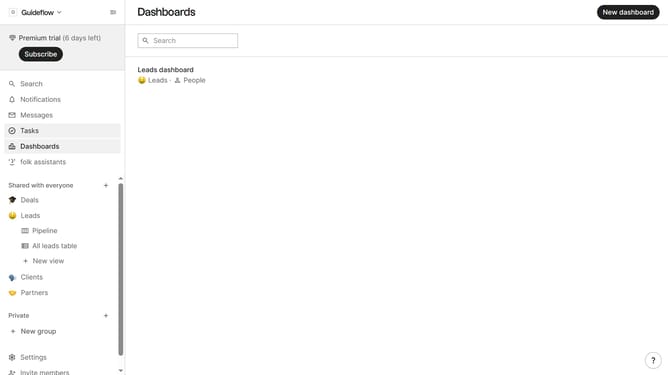
- First click on "Pipeline" in the left sidebar under the group where you want to show the "Status field"
- Then click on the "View" icon in the top menu
- Next, scroll down in the dropdown menu
- Finally, click on the eye icon next to "Status" in the dropdown menu
Why should you show the status field in the pipeline in Folk
Folk is an intuitive platform designed to streamline team collaboration and enhance project management efficiency.
Using the status field in Folk's pipeline offers a clear snapshot of every project's stage, ensuring seamless workflow tracking and progress monitoring.
This feature enhances transparency, allowing team members to stay informed and aligned, thus reducing misunderstandings and boosting productivity.
Leverage this tool to maintain momentum and ensure everyone is on the same page with project developments.
Last update