How to show the funding raised(company) field in the pipeline in Folk
Here is how to show the funding raised(company) field in the pipeline in folk
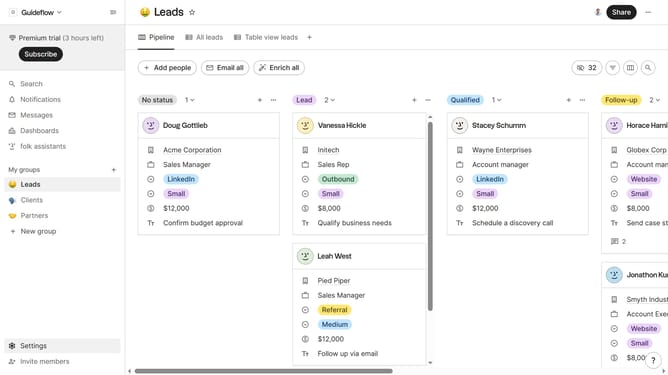
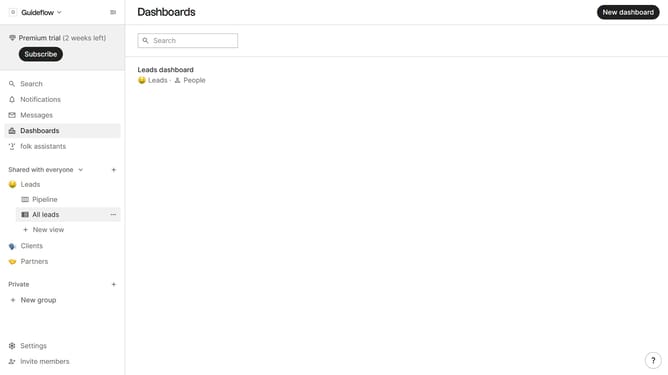
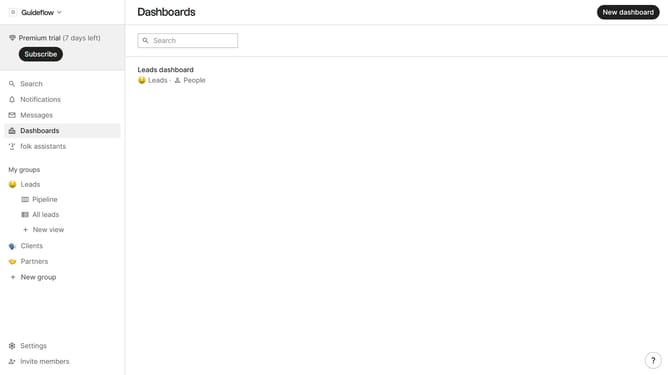
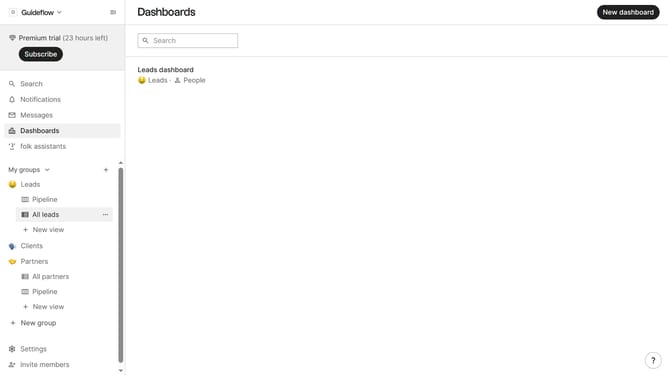
- First click on "Pipeline" item in the left sidebar under the group where you want to show "Funding raised(company)" field
- Then click on the "view button" in the top menu
- Next, scroll down in the dropdown menu
- Finally, click on the "view button" next to "Funding raised (company)" in the dropdown menu
Why should you show the funding raised(company) field in the pipeline in Folk
Folk is a dynamic relationship management platform designed to streamline communication and collaboration for businesses.
Displaying the "funding raised (company)" field in the pipeline on Folk offers a clear view of financial milestones directly within your workflow. This feature enriches your pipeline with crucial data, allowing for better prioritization and strategic decision-making.
Utilizing this information helps in understanding a company's growth trajectory, aligning engagement strategies accordingly, and ultimately fostering more informed partnerships and opportunities.
Last update