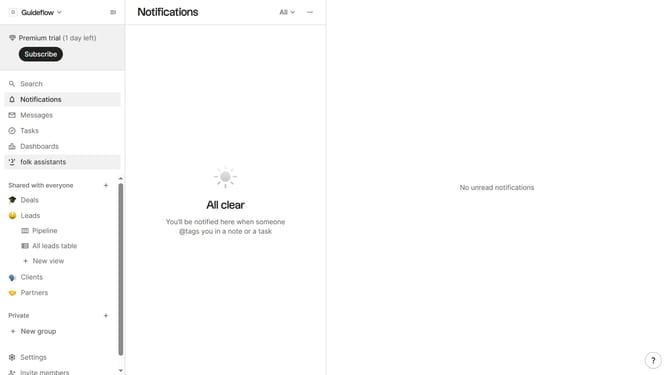
How to update your first name in Folk
Here is how to update your first name in folk
- First click on the "Settings" button in the left sidebar
- Then click on the first name input field to edit it
- Finally, click anywhere outside of the text field to save changes
Why should you update your first name in Folk
Folk is your intuitive tool for streamlining and organizing personal and professional relationships effortlessly.
Updating your first name in Folk is a simple yet powerful feature that enhances personalization within your contacts network.
Using this feature ensures that your profile always accurately reflects your identity, promoting familiarity and fostering trust among your connections.
This seamless update capability supports the dynamic nature of relationships, allowing your presence in Folk to remain current and meaningful.
Last update