How to hide the created by field in a pipeline view in Folk
Here is how to hide the created by field in a pipeline view in folk
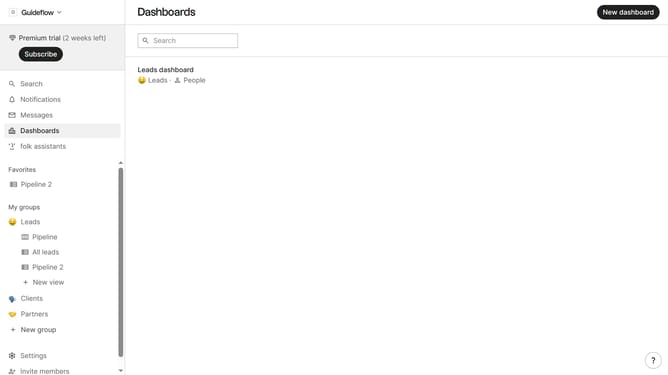
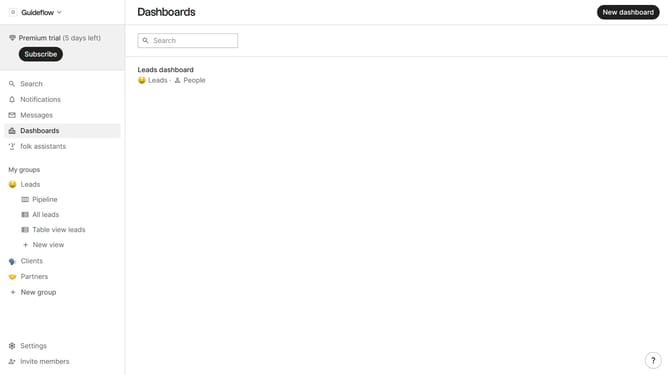
- First, click on a pipeline view where you want to hide the "Created by field"
- Then click on the view icon in the top right of the page
- Next, scroll down in the dropdown menu
- Finally click on the "Hide" icon next to "Created by" in the dropdown menu
Why should you hide the created by field in a pipeline view in Folk
Folk is a powerful tool designed to streamline team collaboration and workflow management.
One of Folk's intuitive features is the ability to hide the "created by" field in a pipeline view, offering users a cleaner and more focused workspace. This capability enhances the overall user experience by reducing clutter and allowing team members to concentrate on the most relevant information.
By customizing the visibility of fields, users can streamline their workflow, ensuring that attention is directed towards critical data, ultimately improving productivity and efficiency.
Last update