How to calculate the minimum value in a pipeline column in Folk
Here is how to calculate the minimum value in a pipeline column in folk
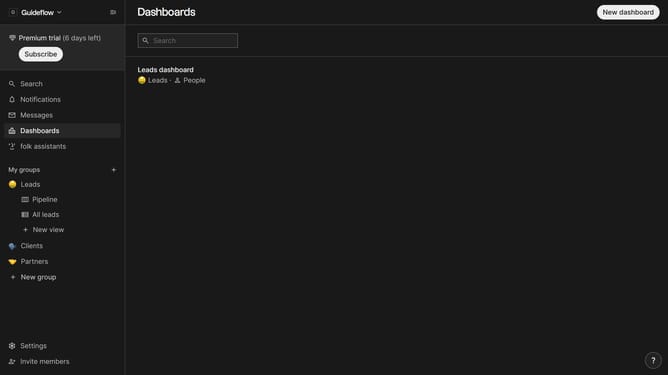
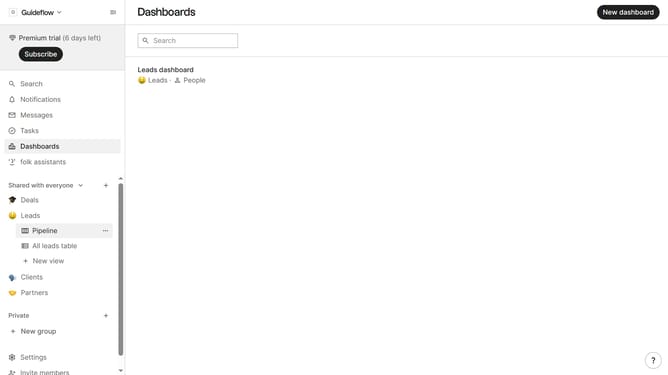
- First, click the "Pipeline" option in the left sidebar under the group where you want to calculate the minimum value value per column
- Then click on the dropdown menu next to a column label
- Next hover your mouse cursor over the "Minimum" from the dropdown menu
- Finally click on the "Deal value" option to calculate the minimum
Why should you calculate the minimum value in a pipeline column in Folk
Folk is an intuitive platform designed to streamline your team’s data management and collaboration processes.
One of Folk's standout features is the ability to calculate the minimum value in a pipeline column with ease. This feature empowers teams to quickly identify the smallest data points, helping to streamline decision-making and enhance analytical insights.
Utilizing this feature allows teams to focus on critical metrics, making it easier to track performance and set precise, actionable goals. It's a simple yet powerful tool that adds significant value to organizational efficiency.
Last update