How to set the appearance to light in Folk
Here is how to set the appearance to light in folk
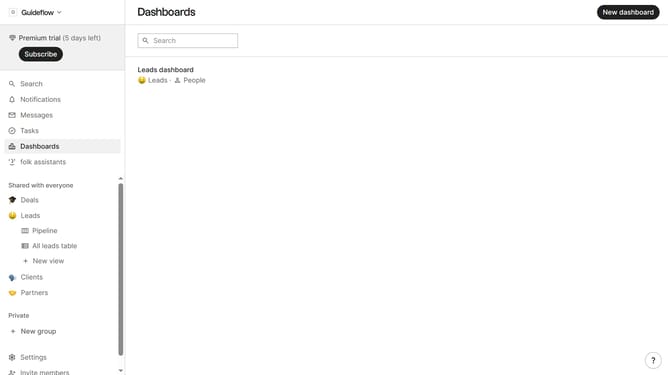
- First click on "Settings" item in the left sidebar menu
- Then click on the "Apperance" dropdown button in the settings menu
- Finally select "Light" option from the dropdown menu
Why should you set the appearance to light in Folk
Folk is an intuitive tool designed to streamline your contact management experience.
Setting the appearance to light in Folk enhances visibility and ensures content is easy on the eyes, especially in bright environments.
This feature creates a clean and refreshing interface, allowing users to stay focused without unnecessary distractions.
Opting for the light mode in Folk can improve user satisfaction and productivity, fostering a more enjoyable and efficient workflow.
Last update