How to hide the last interaction by in a table view in Folk
Here is how to hide the last interaction by in a table view in folk
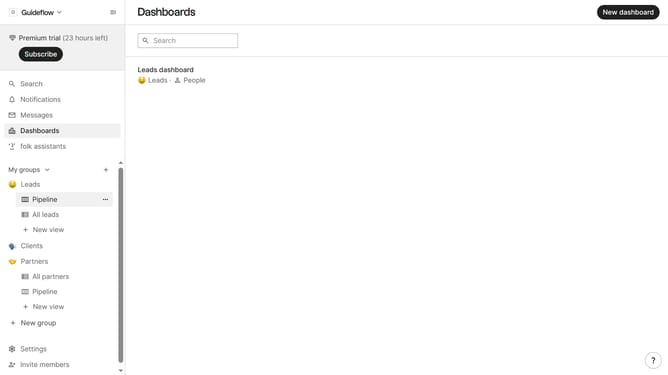
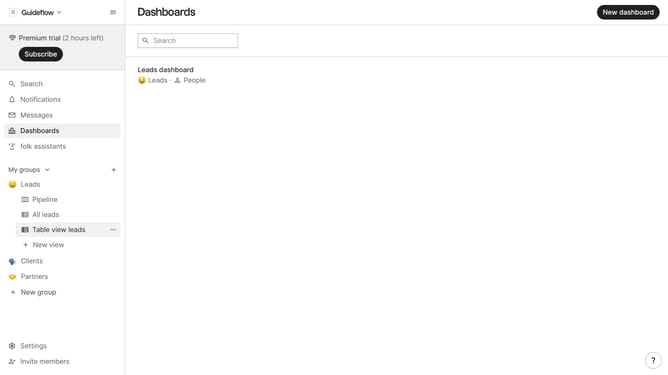
- First, click on a table view where you want to hide the "Last interaction by field"
- Then click on the view icon in the top right of the page
- Finally click on the "Hide" icon next to "Last interaction" in the dropdown menu
Why should you hide the last interaction by in a table view in Folk
Folk is a dynamic platform designed for effortless contact management and collaboration.
One powerful feature of Folk is the ability to hide the last interaction in a table view. This capability allows users to streamline their workspace and focus on the most relevant data points. By selectively displaying only essential information, users can improve their focus and productivity.
Utilizing this feature helps in maintaining a clean and organized interface, making it easier for teams to work efficiently without being overwhelmed by excess detail.
Last update