How to hide the urls field in a table view in Folk
Here is how to hide the urls field in a table view in folk
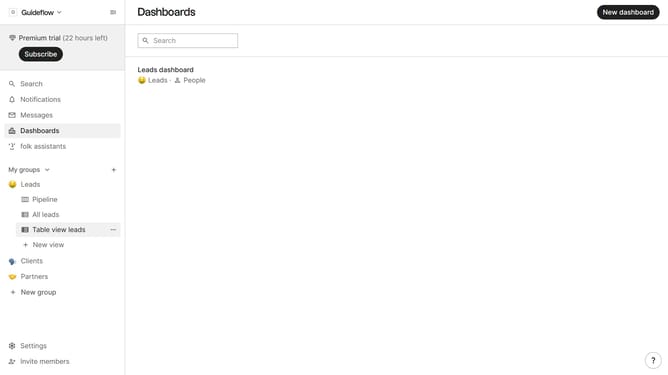
- First, click on a table view where you want to hide the "URLs field"
- Then click on the view icon in the top right of the page
- Finally click on the "Hide" icon next to "Urls" in the dropdown menu
Why should you hide the urls field in a table view in Folk
Folk is a dynamic platform designed to streamline your contact management effortlessly.
In Folk, hiding the URLs field in a table view is a simple yet powerful feature that enhances focus by reducing clutter. By decluttering your workspace, you can concentrate on the most pertinent information, maximizing productivity.
This capability is particularly beneficial in maintaining a clean and organized view, ideal for users seeking a streamlined and efficient interface.
Overall, it delivers a cleaner aesthetic and ensures that your workflow remains efficient and distraction-free.
Last update