How to create an entertainment company vertical ratio chart in Folk
Here is how to create an entertainment company vertical ratio chart in folk
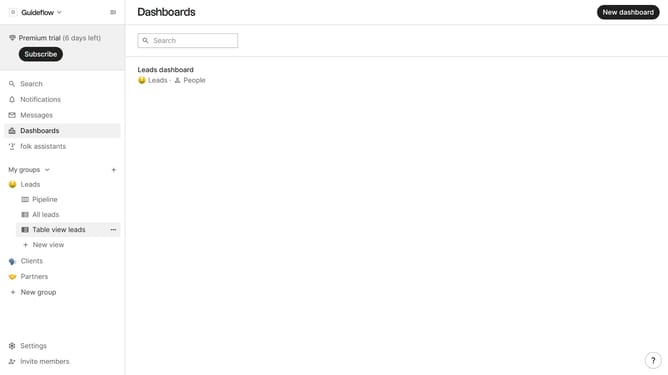
- First click on "Dashboards" item in the sidebar
- Then click on the dashboard where you want to create an entertainment company vertical ratio chart
- Next click on "Add chart" button in the top-right
- Then click on the "Measure" dropdown option
- Next hover your mouse cursor over the "Ratio" option
- After that, hover your mouse cursor over the "Company vertical" option
- Then select "Entertainment" option
- Finally click on "Save" button to create the chart
Why should you create an entertainment company vertical ratio chart in Folk
Folk is an innovative platform designed to streamline your data organization and visualization needs effortlessly.
Creating an entertainment company vertical ratio chart in Folk allows users to visually represent crucial data with various vertical dimensions, enhancing comparative analysis within the industry. By using such a chart, businesses can better understand their market position relative to competitors.
The feature proves invaluable in identifying trends, opportunities, and areas for growth, empowering companies to make informed strategic decisions with clarity and confidence.
Last update