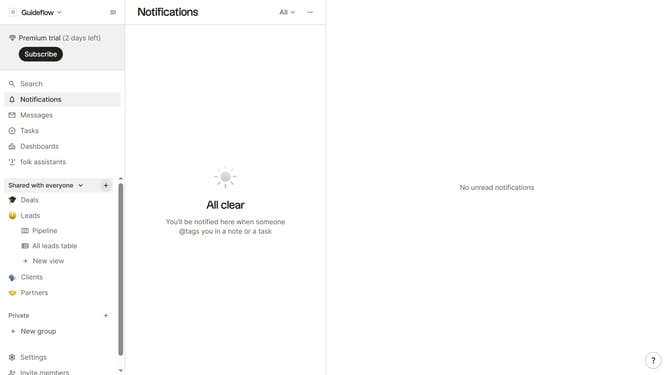
How to hide the emails(company) field in a table view in Folk
Here is how to hide the emails(company) field in a table view in folk
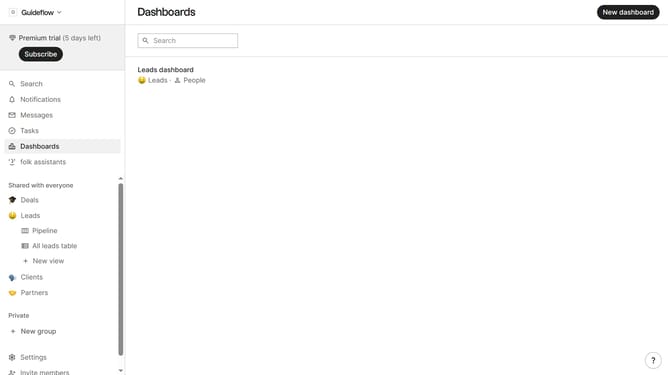
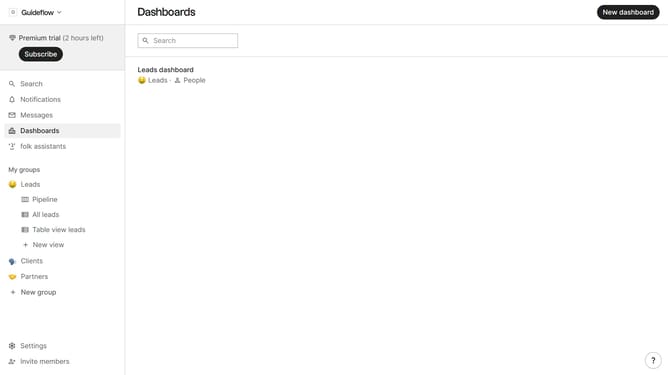
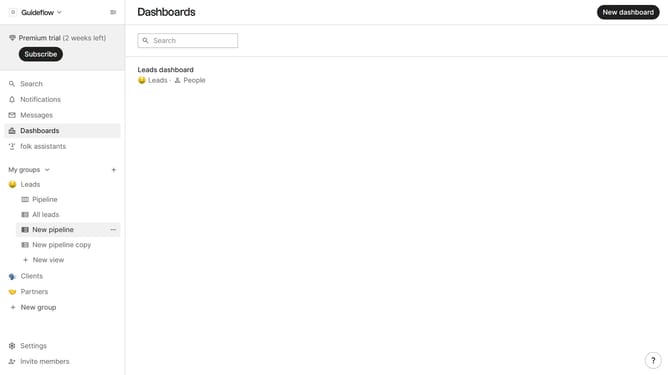
- First, click on a table view where you want to hide the "Emails(company) field"
- Then click on the view icon in the top right of the page
- Next, scroll down in the dropdown menu
- Finally click on the "Hide" icon next to "Emails(company)" in the dropdown menu
Why should you hide the emails(company) field in a table view in Folk
Folk is a powerful tool designed to streamline team communication and collaboration through efficient data management.
One of its standout features is the ability to hide the emails(company) field in a table view, offering a cleaner and more focused workspace.
This feature not only enhances privacy by masking sensitive information but also aids in reducing visual clutter, allowing teams to concentrate on what truly matters.
Utilizing this capability can significantly improve workflow efficiency, making Folk an invaluable asset for teams looking to optimize their processes.
Last update