How to create a small company size ratio metric chart in Folk
Here is how to create a small company size ratio metric chart in folk
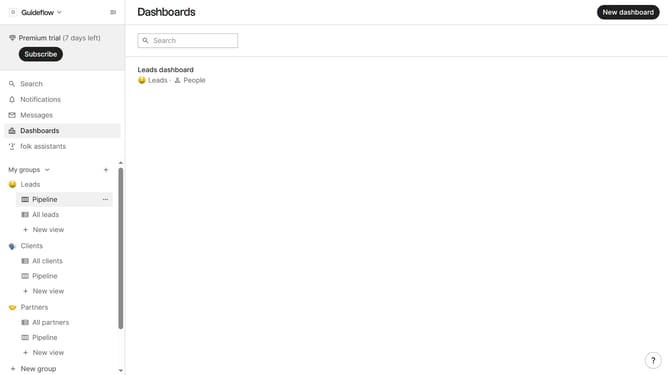
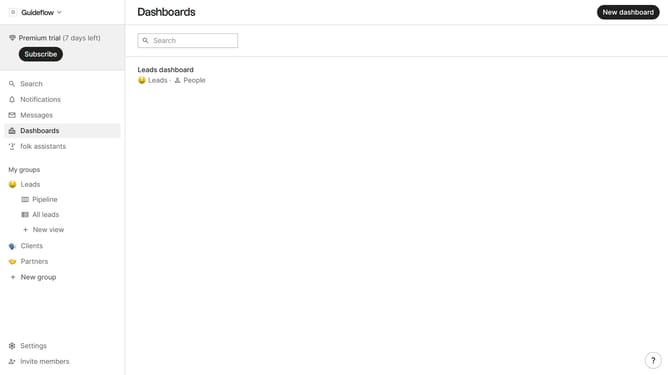
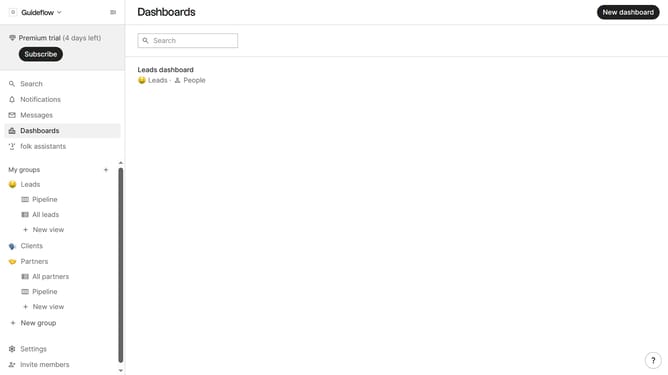
- First click on "Dashboards" item in the sidebar menu
- Then click on the dashboard where you want to create small company size metric chart
- Next click on "Add chart" button
- Next click on the "Measure" dropdown option
- Then hover your mouse cursor over the "Ratio" option
- After that, hover your mouse cursor over the "Company size" option
- Next click on "Small" option
- Finally click on "Save" button
Why should you create a small company size ratio metric chart in Folk
Folk is a dynamic platform designed to streamline team collaboration and enhance productivity.
Creating a small company size ratio metric chart in Folk is an effortless way to visualize your business's growth dynamics. This feature allows you to identify trends and make informed decisions by comparing various team sizes and structures instantly.
Using this chart, you can effortlessly track your company's progress and adjust strategies as needed, ensuring you are always aligned with your business goals. Its insightful analytics empowers teams to optimize resources, resulting in more effective and agile decision-making.
Last update