How to calculate the average deal value in a pipeline column in Folk
Here is how to calculate the average deal value in a pipeline column in folk
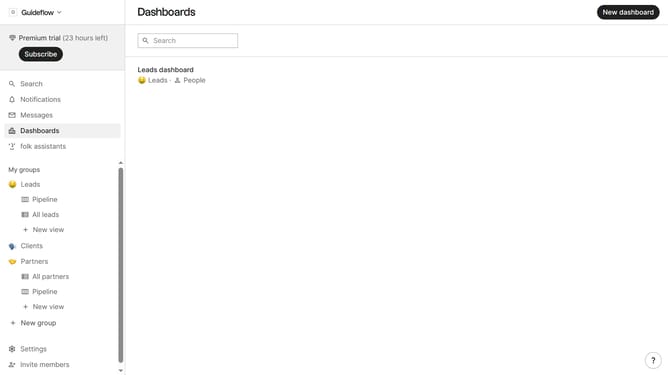
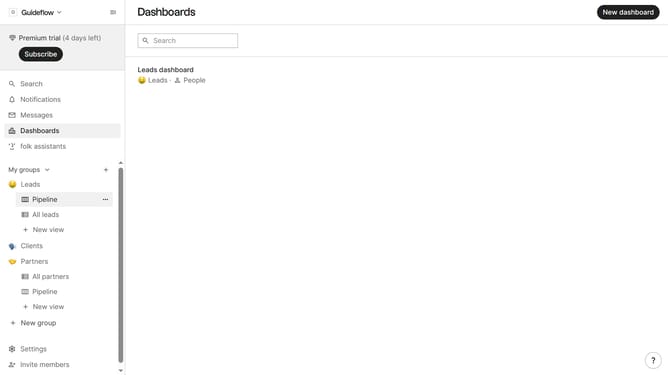
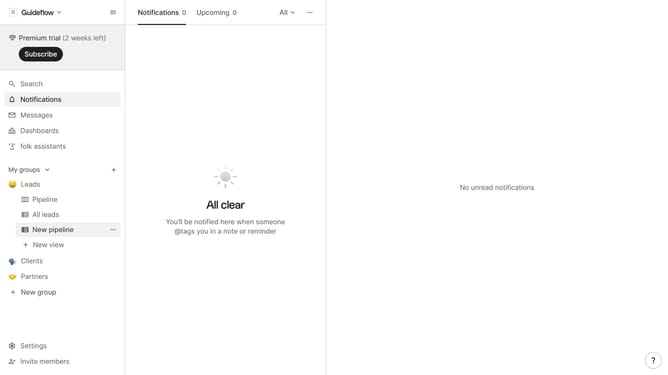
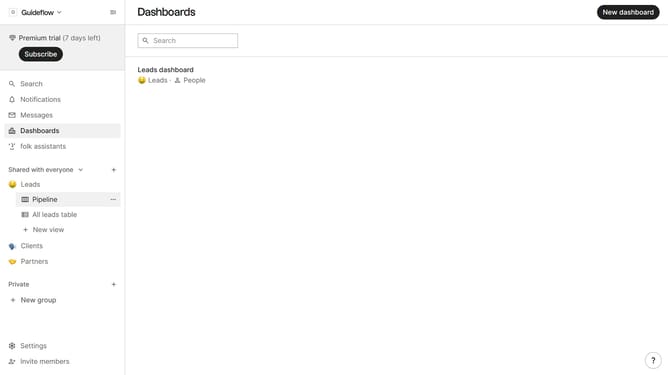
- First, click the "Pipeline" option in the left sidebar under the group where you want to see the average deal per column
- Then click on the dropdown arrow next to a column label
- After that hover your mouse cursor over the "Average" option from the dropdown menu
- Finally click on the "Deal value" option to calculate the average deal
Why should you calculate the average deal value in a pipeline column in Folk
Folk is an intuitive CRM designed to streamline contact management and enhance productivity.
Calculating the average deal value in a pipeline column within Folk offers actionable insights into your sales potential. By assessing this feature, users can gauge the financial health of their sales pipeline effortlessly.
Understanding the average value helps in identifying trends, setting realistic goals, and optimizing sales strategies, providing clarity and focus towards reaching targets.
Utilize this feature to make informed decisions, ensuring a more predictable and efficient sales process.
Last update