How to copy email in a pipeline in Folk
Here is how to copy email in a pipeline in folk
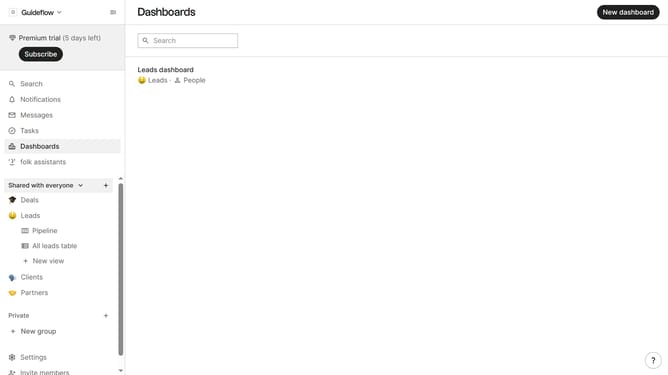
- First, click the "Pipeline" option in the left sidebar under the group where you want to copy an email
- Then, hover your cursor over the card whose email you want to copy
- Next, click the three-dot icon in the top-right corner of the card
- Finally, select "Copy email" from the dropdown menu
Why should you copy email in a pipeline in Folk
Folk is an intuitive platform designed to streamline workflow management and enhance team collaboration.
One of the standout features within Folk’s versatile toolset is the ability to seamlessly copy emails across pipelines. This enhances workflow efficiency by allowing users to manage communications fluidly within different project timelines or stages.
By harnessing this capability, teams can ensure that crucial information is preserved and accessible, fostering a harmonious and well-coordinated working environment.
Last update