How to count all people in a pipeline column in Folk
Here is how to count all people in a pipeline column in folk
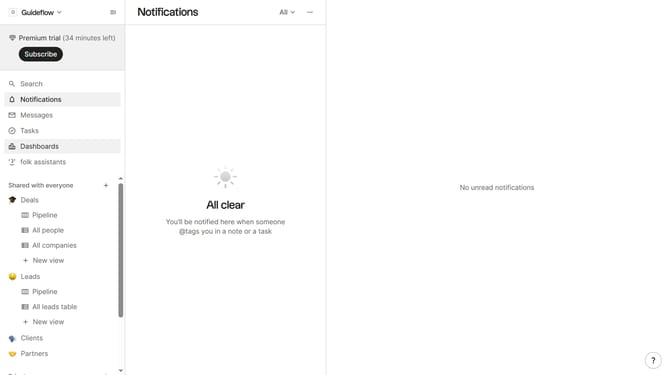
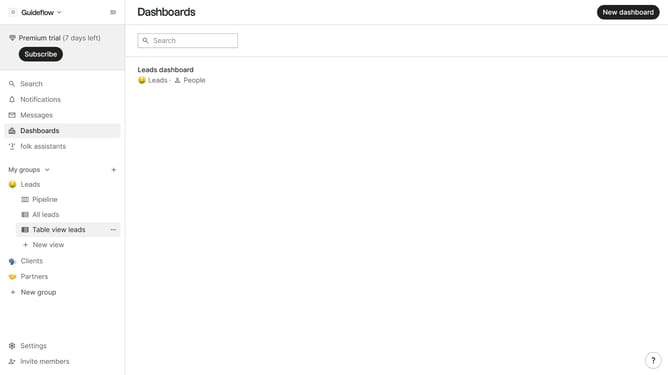
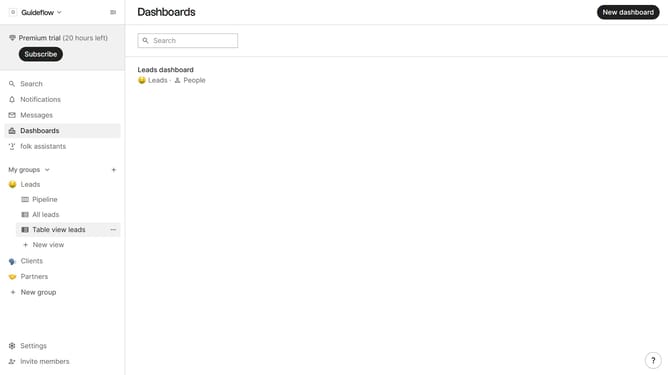
- First click on the "Pipeline" option in the left sidebar under the group where you want to count all people
- Then click on the dropdown next to a column
- Finally, select "Count all people" from the dropdown menu
Why should you count all people in a pipeline column in Folk
Folk transforms contact and relationship management into a streamlined, cohesive experience.
Counting all people in a pipeline column in Folk enhances your organizational insights by providing a real-time snapshot of your progress and capacity. Having an exact count at your fingertips enables better planning and resource allocation.
By instantly knowing how many individuals are in a specific stage, you can quickly assess the health of your pipeline, ensuring timely actions to drive results and maintain momentum.
This feature strengthens decision-making, enabling you to adapt strategies swiftly and efficiently.
Last update