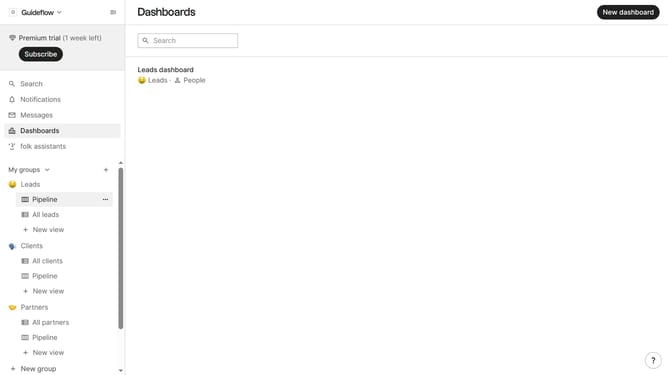
How to disable email notifications for mentions in Folk
Here is how to disable email notifications for mentions in folk
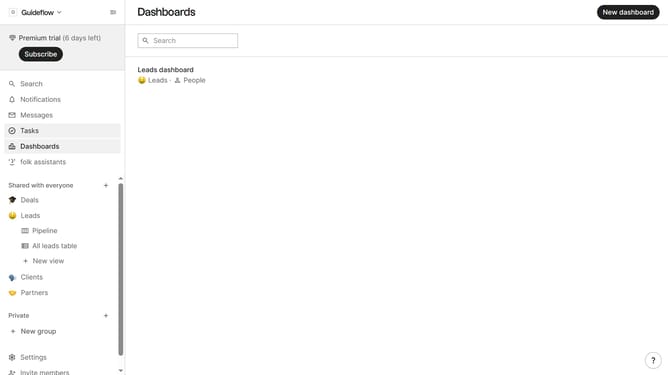
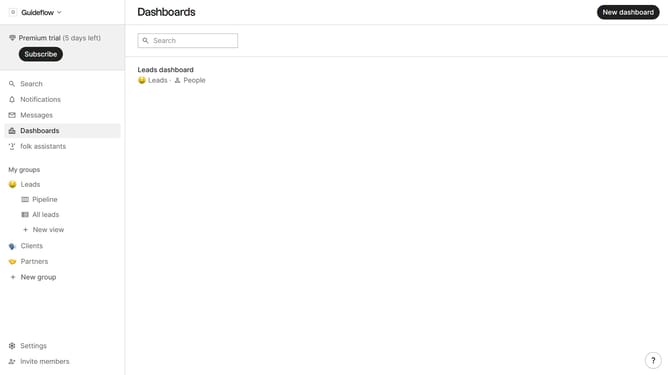
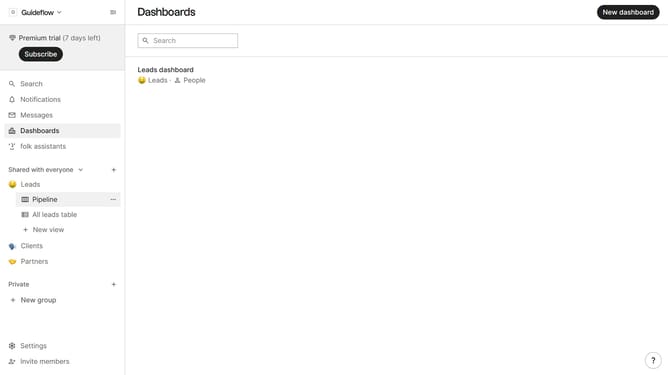
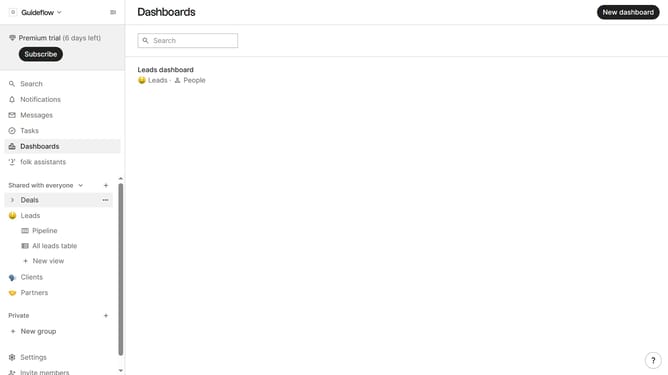
- First click on "Settings" in the left sidebar
- Then click on the "Notifications" option in the left sidebar
- Finally uncheck the checkbox next to "I'm mentioned in a note" in the "Notify me when..." section
Why should you disable email notifications for mentions in Folk
Folk is an innovative platform that streamlines team collaboration by organizing and managing shared knowledge effectively.
One key feature allows users to disable email notifications for mentions, helping to reduce digital noise and focus on priorities that matter most.
By customizing notification preferences, teams can maintain awareness of essential updates without the distraction of constant alerts, resulting in a more efficient workflow and a balanced communication environment.
Last update