How to enable email notifications for mentions in Folk
Here is how to enable email notifications for mentions in folk
- First, click on the "Settings" tab in the left sidebar
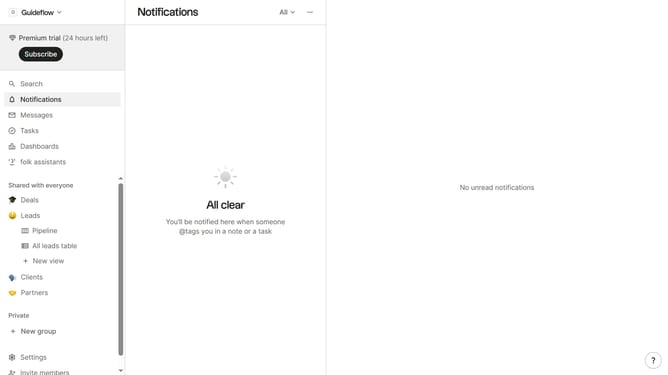
- Then, click on the "Notifications" option in the left sidebar
- Finally, check the "I'm mentioned in a note" checkbox to receive notifications
Why should you enable email notifications for mentions in Folk
Folk is a dynamic tool designed to streamline collaboration and communication within teams.
Enabling email notifications for mentions in Folk ensures that you never miss a critical update or message. This feature instantly alerts you when someone directly mentions you, keeping you in the loop and enhancing productivity.
By staying informed through email notifications, team members can prioritize their tasks more effectively and respond promptly, thus improving overall team synergy and efficiency.
Last update