How to create a medium company size ratio metric chart in Folk
Here is how to create a medium company size ratio metric chart in folk
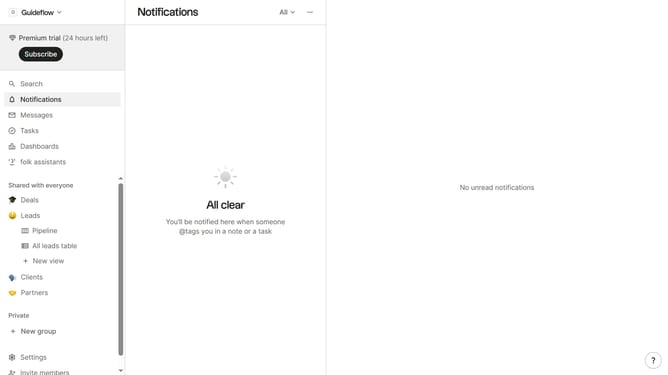
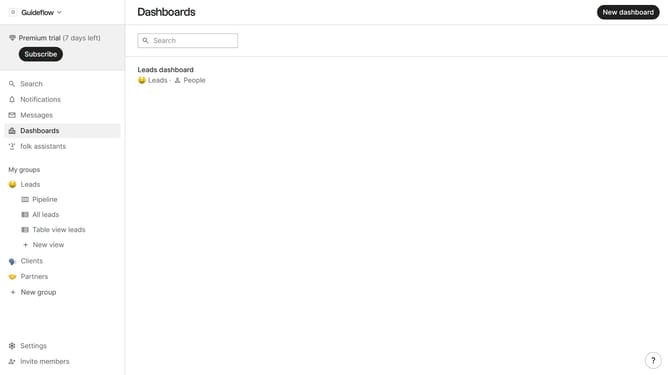
- First click on "Dashboards" item in the sidebar
- Then click on the dashboard where you want to create a medium company size metric chart
- Next click on the "Add chart" button
- Then click on the "Measure" dropdown option
- Next hover your mouse cursor over the "Ratio" option
- After that, hover your mouse cursor over the "Company size" option
- Then click on "Medium" to select it
- Finally click on the "Save" button
Why should you create a medium company size ratio metric chart in Folk
Folk is a dynamic platform designed to revolutionize how companies visualize and analyze their data for better decision-making.
Creating a medium company size ratio metric chart in Folk allows businesses to gain insightful overviews of their workforce distribution by size, ensuring better strategic planning.
Utilizing this feature helps organizations identify trends and patterns, enabling more informed decisions for balanced growth and development.
With Folk's intuitive interface, converting complex data into visually appealing charts becomes effortlessly insightful.
Last update