How to create a financial services count ratio chart in Folk
Here is how to create a financial services count ratio chart in folk
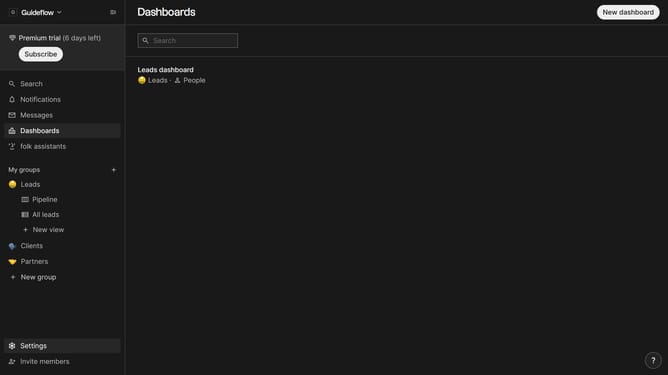
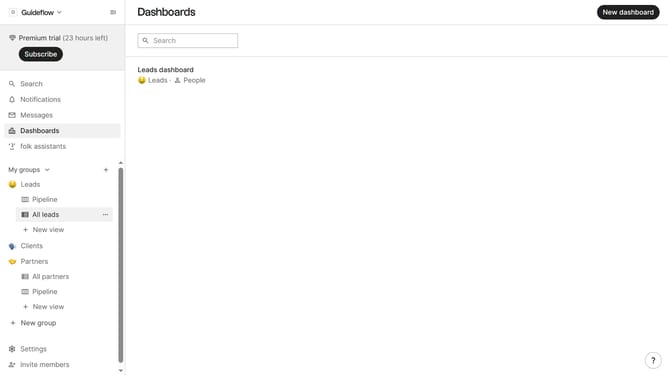
- First, click on the "Dashboards" item in the left sidebar
- Then click on the dashboard where you want to create a financial services count ratio
- Next, click on the "Add chart" button in the top right corner
- Then click on the "Measure" dropdown option
- Next hover your mouse cursor over the "Ratio" option
- After that, hover your mouse cursor over the "Company vertical" option
- From the list of company sizes, select "Financial services"
- Finally, click on the "Save" button to save the chart
Why should you create a financial services count ratio chart in Folk
Folk is a dynamic platform designed to streamline data management and visualization.
Creating a financial services count ratio chart in Folk enhances your data analysis by visually representing key financial metrics effortlessly.
This feature fosters informed decision-making by delivering clear, comparative insights quickly and effectively.
Utilizing this chart empowers users to spot trends and patterns, optimizing strategic planning and financial performance outcomes.
Last update