How to enable email notifications for contact follow-ups in Folk
Here is how to enable email notifications for contact follow-ups in folk
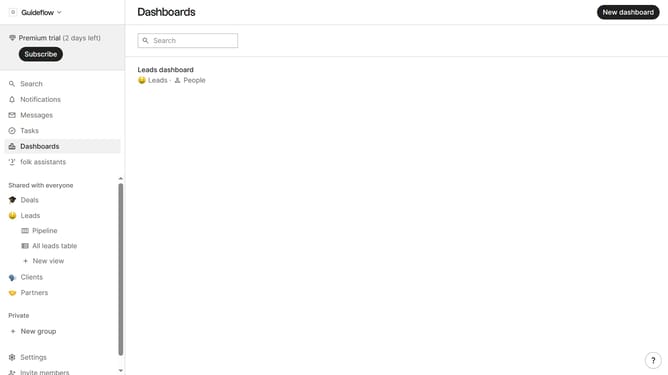
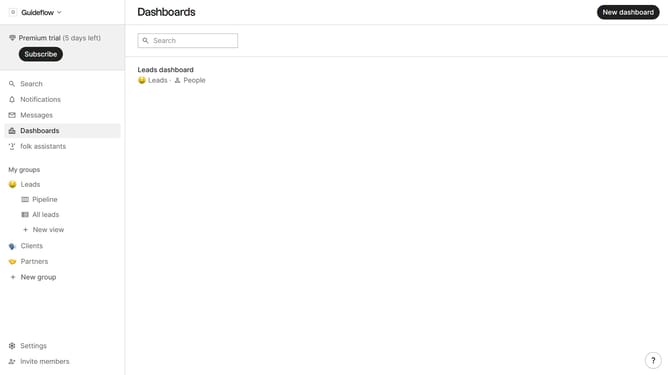
- First click on "Settings" item in the left sidebar
- Then click on "Notifications" item in the left sidebar
- Finally check the "I can follow-up with a contact" checkbox in the main panel
Why should you enable email notifications for contact follow-ups in Folk
Folk is designed to streamline and enhance your contact management experience, making it more efficient and intuitive.
The ability to enable email notifications for contact follow-ups in Folk ensures you stay effortlessly on top of your networking tasks.
This feature helps you maintain impressive organization and punctuality, enhancing your relationship-building efforts with timely, well-considered communications.
Integrating follow-up reminders into your routine saves time and boosts productivity, enabling seamless and strategic contact engagement.
Last update