How to disable opening links in the desktop app in Folk
Here is how to disable opening links in the desktop app in folk
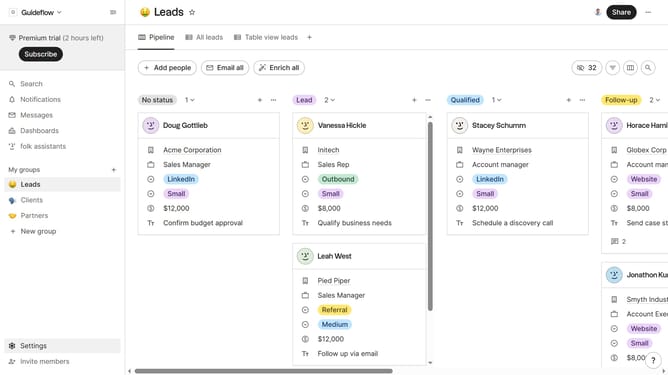
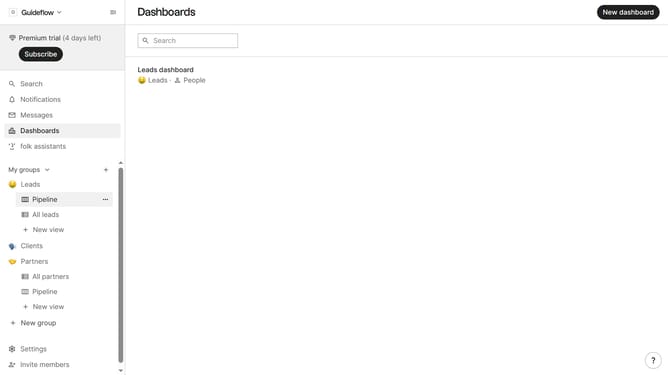
- First click on the "Settings" button in the sidebar
- Then click on the "Profile" option in the sidebar
- Finally, toggle the switch for "Open links in desktop app" to the off position
Why should you disable opening links in the desktop app in Folk
Folk is a versatile tool designed to streamline team collaboration and enhance productivity through seamless communication and organization.
Disabling the feature that opens links in the desktop app allows users to have more control over their browsing experience.
By choosing when and where links open, users can better manage their workflow and focus on tasks without unwanted interruptions.
This leads to a smoother, more efficient working environment, allowing for enhanced productivity and concentrated work efforts.
Last update