How to create pipeline view in Folk
Here is how to create pipeline view in folk
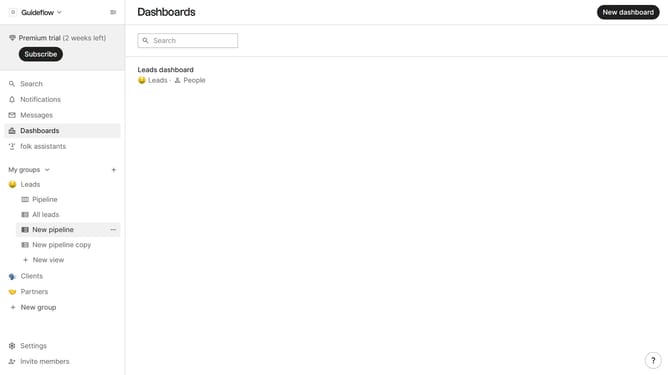
- First click on "+ New view" button in the sidebar under the group where you want to add pipeline view
- Then click on the "Name" text input field
- Next, select the option you want to manage
- Then click on the "Pipeline" button under the view type
- Finally click on the "Create view" button
Why should you create pipeline view in Folk
Folk is a versatile tool designed to simplify and enhance the efficiency of team communications and collaborations.
The pipeline view in Folk offers a structured way to monitor progress, providing clarity and insight into ongoing workflows. This feature enables teams to visualize stages, track updates, and prioritize tasks effectively, ensuring everyone remains aligned and focused.
Utilizing the pipeline view bolsters strategic planning and smoothens transitions between tasks, ultimately boosting productivity.
Last update