How to publish a view in Folk
Here is how to publish a view in folk
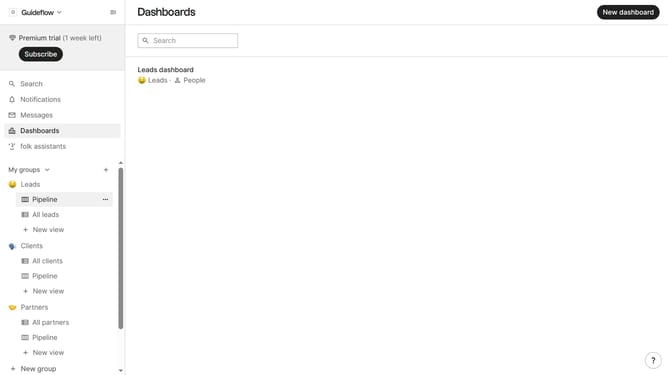
- First hover your mouse cursor over the view you want to publish
- Then click on the three dots icon next to the name of the view
- Next click on "Publish view..." in the dropdown menu
- Then click on the "Publish view" button in the dialog box
- Next click on the text area under "Description" and enter your desired description for the view
- Finally click on the "Open published view" button to view it
Why should you publish a view in Folk
Folk is a dynamic platform designed to streamline the management of your contacts and workflows.
Publishing a view in Folk is a powerful feature that elevates collaborative efforts, making it easier to share insights and updates with team members.
By making data easily accessible and tailored to specific needs, this feature enhances productivity and ensures everyone stays aligned on project goals.
Ultimately, utilizing this feature provides clarity and boosts efficiency, fostering a more cohesive working environment.
Last update