How to sort a table view by lost reason in Folk
Here is how to sort a table view by lost reason in folk
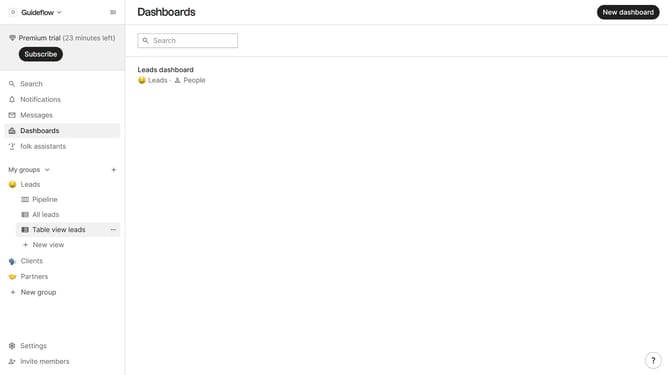
- First, click on the table view where you want to sort by "Lost reason"
- Then click on the sort icon with two arrows in the header
- Next, click on the "Sort by" dropdown button
- Then, scroll down in the dropdown menu
- Finally select "Lost reason" from the list of fields
Why should you sort a table view by lost reason in Folk
Folk is a dynamic platform designed to streamline and enhance team communication and productivity.
One of its powerful features allows users to sort a table view by lost reason, offering a clear perspective on why projects or deals didn't pan out.
This functionality is essential for identifying patterns, learning from past experiences, and strategizing better for the future.
By organizing data in this way, Folk enables teams to make informed decisions that drive success and prevent repetitive setbacks.
Last update