How to sort a table view by birthday in Folk
Here is how to sort a table view by birthday in folk
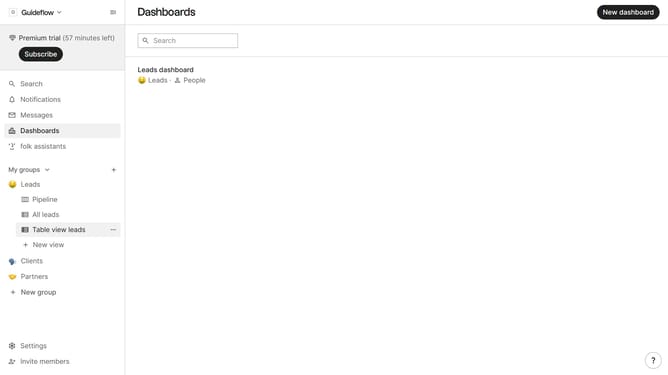
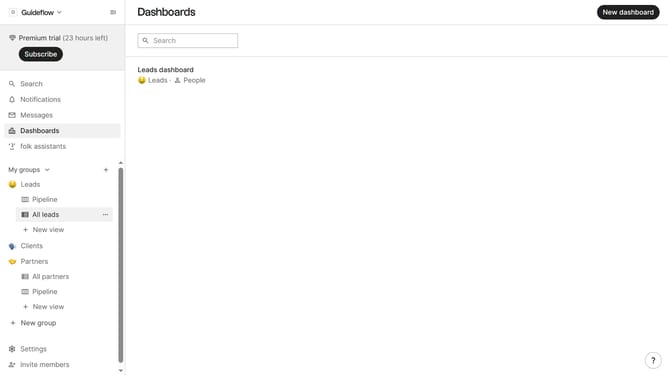
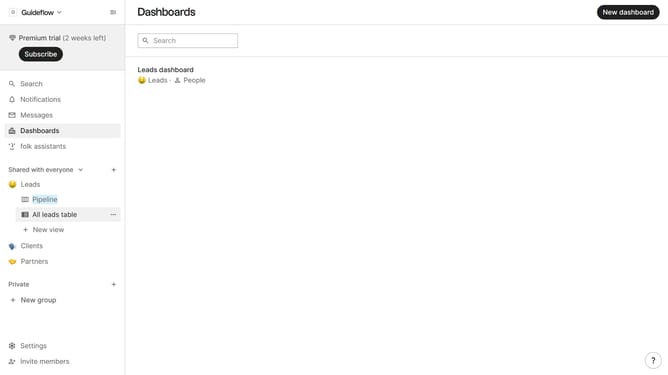
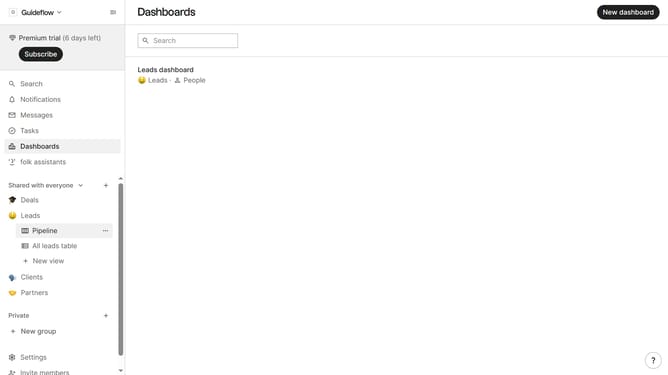
- First, click on the table view where you want to sort by "Birthday"
- Then click on the sort icon in the top menu
- Next, click on the "Sort by" dropdown button
- Then scroll down in the dropdown menu
- Finally, click on "Birthday" in the list of fields
Why should you sort a table view by birthday in Folk
Folk is a dynamic platform designed to streamline personal and professional contact management effortlessly.
By utilizing the feature to sort a table view by birthday in Folk, users can easily prioritize and organize their contacts. This feature allows for effortless identification of upcoming celebrations, ensuring that no important date is ever missed.
Using this sorting mechanism, individuals and teams can enhance relationship management by planning timely communications. This results in more meaningful connections and a refined approach to personal and professional interactions.
Last update