How to sort a table view by status in Folk
Here is how to sort a table view by status in folk
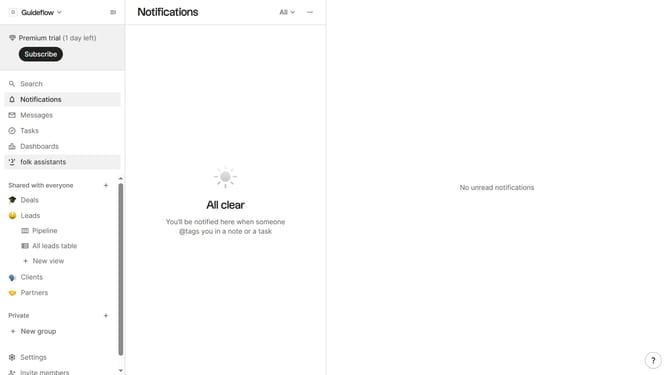
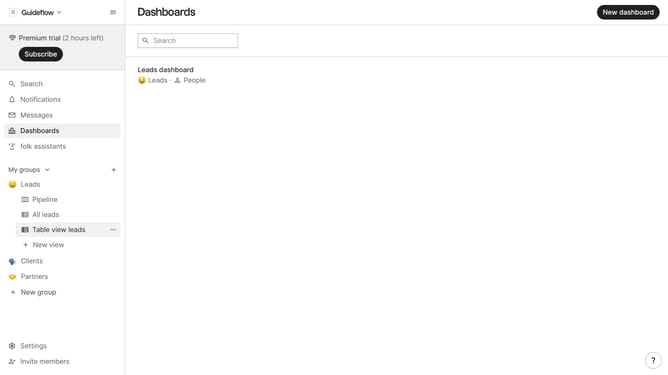
- First, click on the table view where you want to sort by "Status"
- Then click on the sort icon in the header
- Next, click on the "Sort by" dropdown button
- Then, scroll down in the dropdown menu
- Finally click on "Status" in the sidebar menu
Why should you sort a table view by status in Folk
Folk is a dynamic tool designed to streamline and enhance team collaboration and contact management.
Sorting a table view by status in Folk is a strategic feature that empowers users to organize their data effectively.
This functionality allows for quick identification of the progress and priorities within any dataset, aiding in efficient decision-making.
By leveraging this feature, users can easily maintain focus, ensuring that critical tasks receive the attention they deserve, optimizing overall productivity.
Last update