How to create a closed-won count ratio chart in Folk
Here is how to create a closed-won count ratio chart in folk
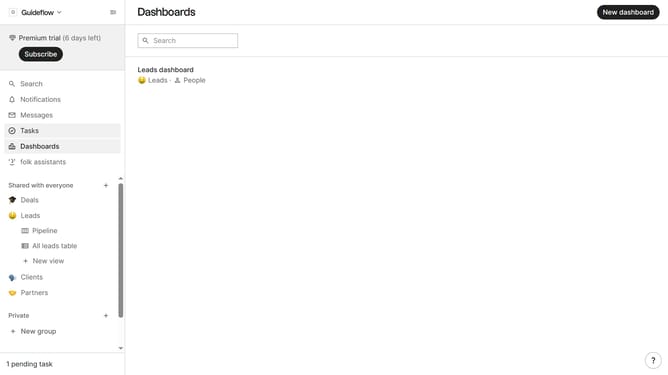
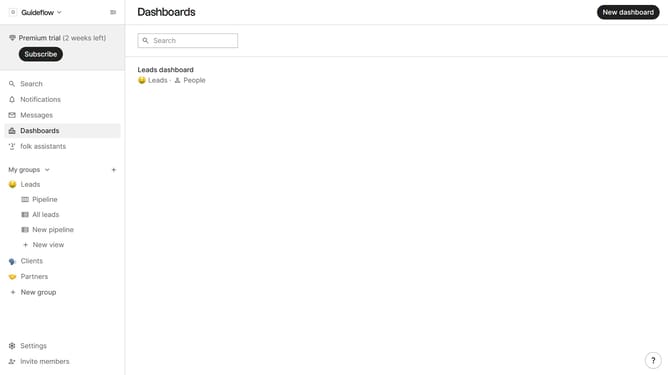
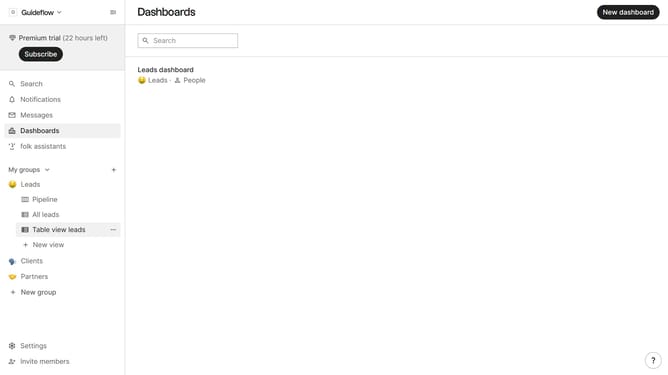
- First, click on "Dashboards" in the sidebar
- Then click on the dashboard where you want to create a closed-won count ratio chart
- Next, click on the "Add chart" button
- Then click on the "Measure" dropdown option
- Next hover your mouse cursor over the "Ratio" option
- After that, hover your mouse cursor over the "Status" option
- Then, click on "Closed-won" option
- Finally, click on the "Save" button to create the chart
Why should you create a closed-won count ratio chart in Folk
Folk is a powerful tool designed to streamline your team's workflow and management processes effortlessly.
Creating a closed-won count ratio chart in Folk is an intuitive feature that provides a clear visualization of your team's sales successes.
This chart allows teams to quickly identify patterns, make data-driven decisions, and enhance strategic planning without getting tangled in complex data sets.
Using Folk's chart feature, teams gain valuable insights, contributing to increased productivity and a more targeted approach to achieving business goals.
Last update