How to group pipeline by lost reason in Folk
Here is how to group pipeline by lost reason in folk
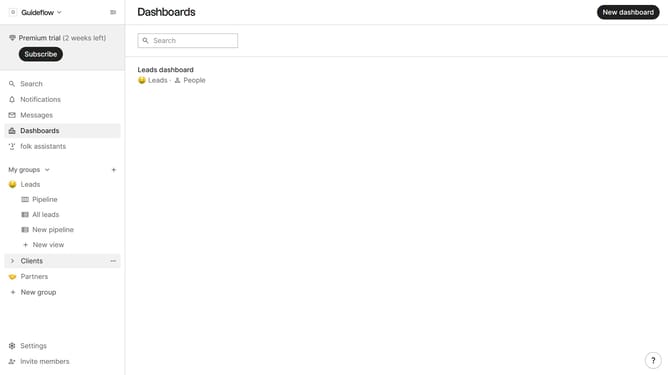
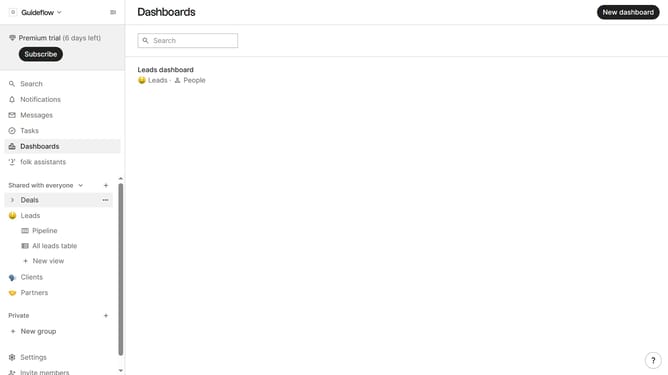
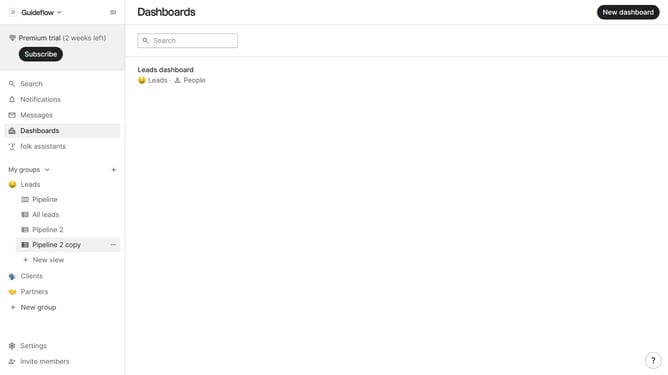
- First, click the "Pipeline" option in the left sidebar under the group where you want to group by lost reason
- Then click on the "Group by" button in the header
- Finally select "Lost reason" from the dropdown menu in the header
Why should you group pipeline by lost reason in Folk
Folk is a dynamic tool designed to streamline team collaboration and customer relationship management.
The feature to group pipelines by lost reason in Folk allows you to categorize deals that didn't close successfully. By organizing these, you gain insights into recurring patterns and obstacles your business might face.
Understanding lost reasons helps teams refine strategies, optimizing future efforts for better success rates and improved outcomes. Leveraging this feature will empower data-driven decision-making and elevate business processes.
Last update