How to sort a table view by total interactions in Folk
Here is how to sort a table view by total interactions in folk
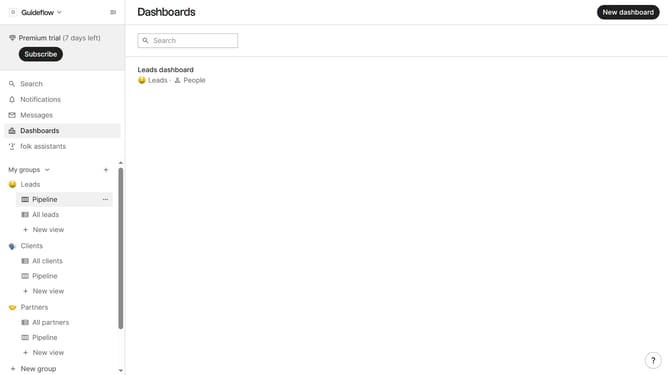
- First, click on the table view where you want to sort by "Total interactions"
- Then click on the sort icon in the header
- Next, click on the "Sort by" dropdown button
- Finally select "Total interactions" from the sort by dropdown in the header
Why should you sort a table view by total interactions in Folk
Folk is an intuitive platform designed to streamline team collaborations and enhance productivity.
Sorting a table view by total interactions in Folk provides a strategic advantage by allowing users to prioritize the most engaged records. By doing this, teams can focus on their most active contacts or projects, ensuring time and resources are allocated efficiently.
This feature not only simplifies the decision-making process but also highlights opportunities for growth and engagement, enabling more informed and proactive strategies.
Last update