How to download the mobile app in Folk
Here is how to download the mobile app in folk
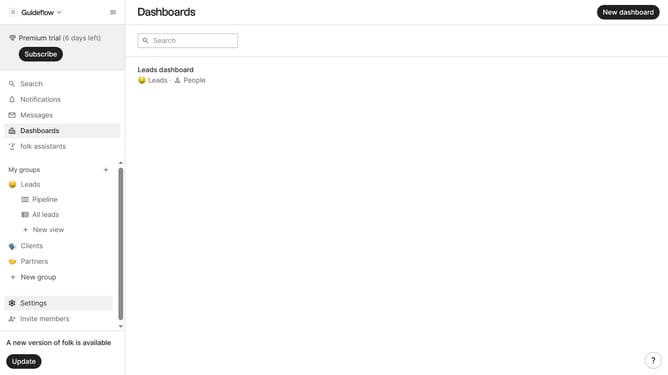
- First click on "Settings" in the sidebar menu
- Then click on "Apps & extensions" in the sidebar menu
- Next click on "Download app" button
- Finally scan the QR code with your phone to download the app
Why should you download the mobile app in Folk
Folk is designed to simplify your networking experience by keeping your contacts at your fingertips.
Downloading the mobile app in Folk allows you to access your entire contact list while on the move, making it easier to connect instantly and efficiently.
With this feature, you can engage with your network seamlessly and maintain relationships effortlessly, maximizing your collaborative potential and productivity.
Last update