How to create a budget freeze lost reason ratio chart in Folk
Here is how to create a budget freeze lost reason ratio chart in folk
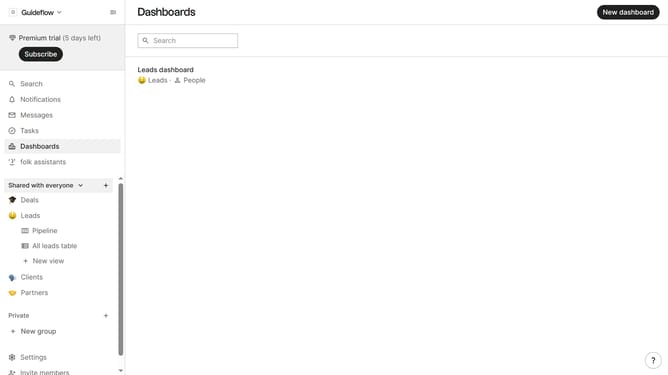
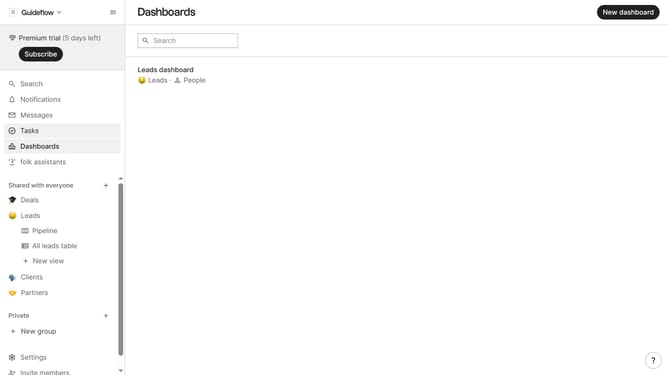
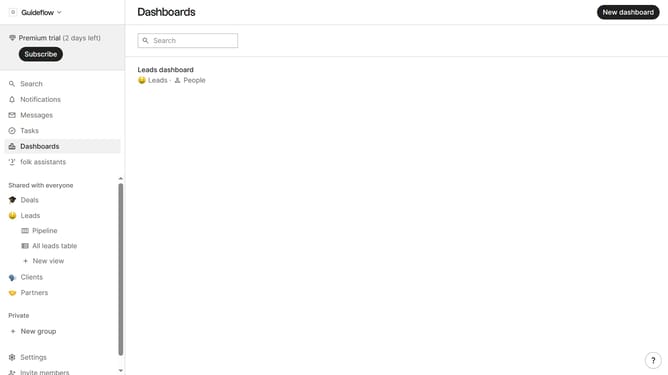
- First, click on "Dashboards" in the left sidebar
- Then click on the dashboard where you want to create a budget freeze lost reason ratio chart
- Next, click on the "Add chart" button
- Then click on the "Measure" dropdown option
- Next hover your mouse cursor over the "Ratio" option
- After that, hover your mouse cursor over the "Lost reason" option
- Next, click on "Budget freeze" to select the option
- Finally click on the "Save" button to create the chart
Why should you create a budget freeze lost reason ratio chart in Folk
Folk is a dynamic platform designed to streamline and enhance team collaboration and project management.
One standout feature in Folk is its capability to create a budget freeze lost reason ratio chart. This powerful tool helps teams understand financial management by pinpointing where budget constraints impact project outcomes.
Using this feature allows for clear identification of the reasons behind budget freezes, helping teams make informed decisions to optimize resources effectively. It's an invaluable asset for improving financial planning and boosting project efficiency.
Last update