How to duplicate a chart in Folk
Here is how to duplicate a chart in folk
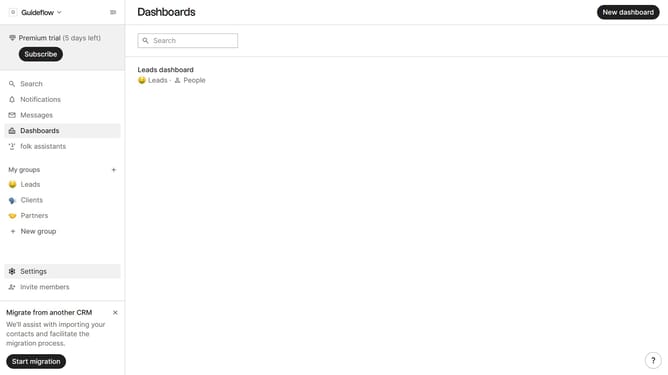
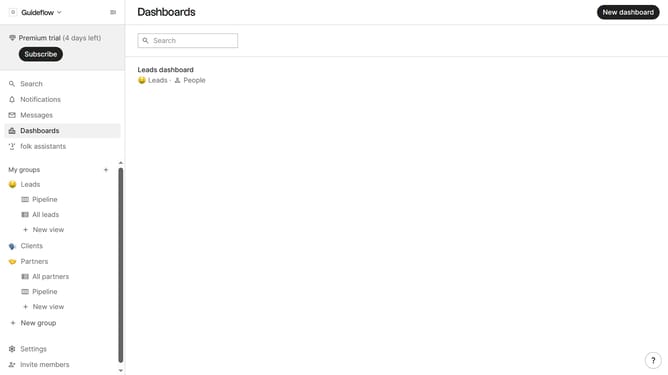
- First click on "Dashboards" in the sidebar
- Next click on the dashboard where you want to duplicate a chart
- Then click on the "..." icon next to the chart that you want to duplicate
- After that, click on "Duplicate" option
- Finally click on the "Save" button
Why should you duplicate a chart in Folk
Folk empowers teams by simplifying data management and collaboration.
Duplicating a chart in Folk is an efficient feature designed to streamline your workflow and enhance productivity.
By allowing users to effortlessly replicate existing charts, it saves valuable time, enabling quick adjustments without the hassle of starting from scratch.
This feature ensures consistent data visualization across projects, significantly boosting collaboration and coherence among team members.
Last update