How to upload your profile picture in Folk
Here is how to upload your profile picture in folk
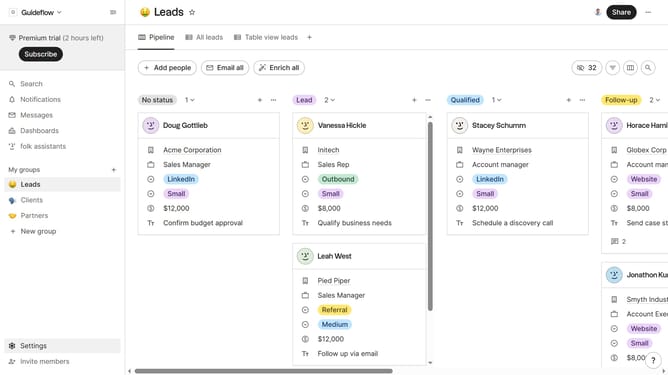
- First click on "Settings" button in the left sidebar
- Then click on "Profile" item in the Account section
- Finally click on "Upload picture" button to add your preferred picture
Why should you upload your profile picture in Folk
Folk is a dynamic platform designed to streamline and enhance your networking experience.
A key feature in Folk is the ability to upload your profile picture effortlessly. This allows you to showcase your professional image, making you instantly recognizable to your connections.
Having a profile picture personalizes your interactions, building trust and fostering more meaningful networks. It's a simple yet impactful way to enhance your online presence within the Folk community.
Last update